Navigating the world of laptop upgrades can be tricky, especially when seeking the best SSD drive for laptop gaming. This comprehensive guide helps US gamers, who often balance demanding jobs and family life with their passion for gaming, make informed decisions. Discover how the right solid-state drive can dramatically reduce load times, boost system responsiveness, and enhance your overall gaming experience, from casual social play to competitive esports. We cover essential factors like NVMe versus SATA, capacity needs for sprawling game libraries, budget-friendly options, and crucial compatibility checks. Learn to optimize your rig without breaking the bank, ensuring your precious gaming time is spent playing, not waiting. This informational resource is tailored to equip you with the knowledge to select a high-performance SSD that truly fits your lifestyle and gaming demands, reflecting current market trends and future-proofing your investment.
What SSD type is fastest for laptops in 2026?
The fastest SSD type for gaming laptops in 2026 is NVMe PCIe Gen4, with Gen5 becoming available on the newest high-end models. These M.2 drives offer sequential read/write speeds far exceeding SATA SSDs, crucial for modern game loading and system responsiveness.
How much storage do gamers really need for a laptop SSD?
For most US gamers, a 1TB NVMe SSD is the ideal starting point, providing ample space for the OS, essential software, and several large AAA game titles. If you have an extensive game library or engage in content creation, a 2TB SSD offers more comfortable storage for future-proofing.
Is it hard to install an SSD in a gaming laptop?
Installing an M.2 NVMe SSD in many gaming laptops is relatively straightforward, often requiring just a few screws and careful handling. However, accessibility varies greatly by laptop model. Always consult your laptop's manual or a specific video guide to ensure a smooth and safe installation process.
Will a new SSD boost my laptop's framerate in games?
A new SSD primarily improves game load times, system boot-up speeds, and overall system responsiveness, not directly your framerate. Framerates are dependent on your CPU and GPU. However, an SSD can reduce stuttering caused by slow asset loading, leading to a smoother perceived gaming experience.
Can I use an external SSD for primary gaming on my laptop?
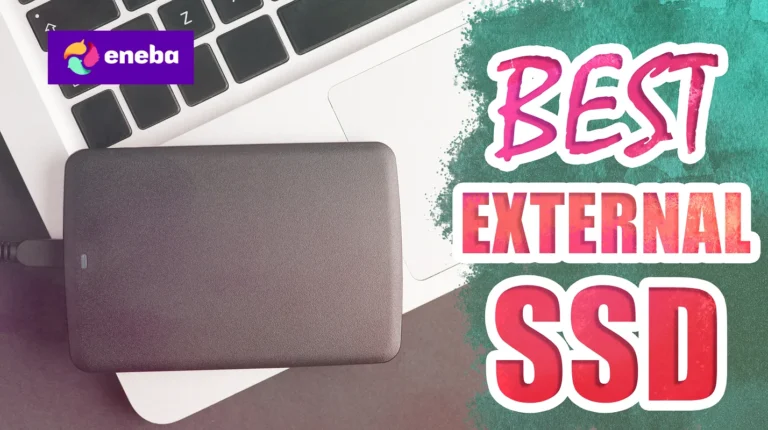
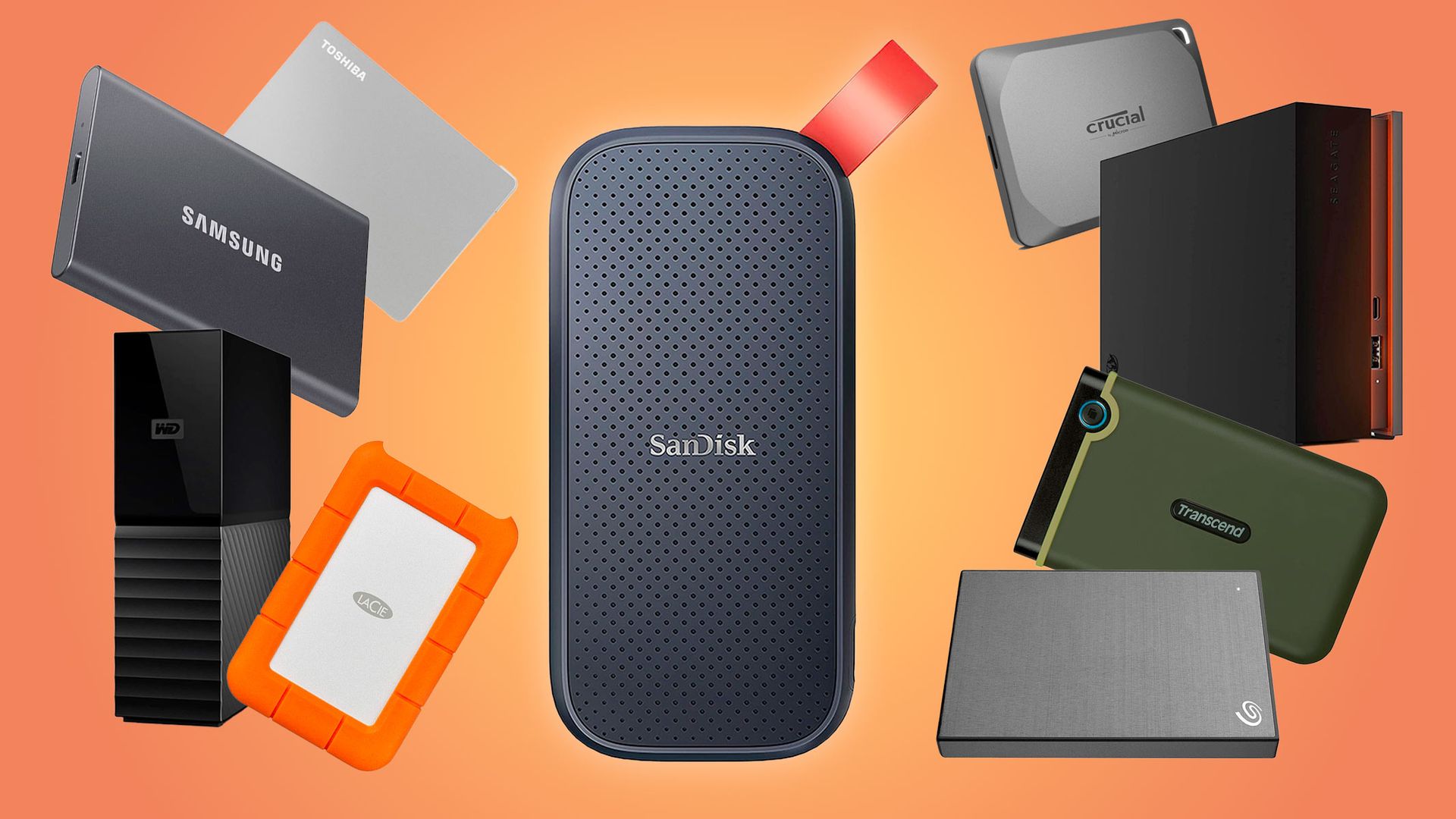
Yes, you can use an external SSD for gaming, especially if connected via a high-speed USB-C port (Thunderbolt or USB 3.2 Gen 2x2). While internal NVMe SSDs are faster, a good external SSD can still offer significantly better game loading performance than an internal HDD, making it viable for expanding your game library.
What are the signs I need a new laptop SSD for gaming?
Signs you need a new laptop SSD include excessively long game load times, slow system boot-ups, frequent in-game stuttering or texture pop-ins, sluggish application launches, and your laptop feeling generally unresponsive. If you're still on an HDD or an older, smaller SSD, an upgrade is highly recommended.
Are cheaper SSDs good enough for gaming laptops?
Cheaper SSDs, particularly budget NVMe PCIe Gen3 drives or quality SATA SSDs, are often more than good enough for many laptop gamers. While they won't match the raw speed of flagship Gen4/Gen5 drives, they still offer a massive performance uplift over HDDs and significantly improve the gaming experience without breaking the bank.
Hey fellow gamers! Ever find yourself staring at a loading screen, counting the seconds while your squad is already deep into the action, or worse, getting dropped from a match because your game just wouldn't load fast enough? You're not alone. Many of us, especially those balancing a full life with our gaming passion, know that every moment counts. We game to relax, to connect, to sharpen skills, or just to have fun. The last thing we need is hardware holding us back. If your laptop feels sluggish, takes ages to boot, or your games stutter when things get intense, there’s a good chance your storage drive is the bottleneck. That old mechanical hard drive or even an aging SATA SSD might just be past its prime for today’s expansive, graphically intensive titles.
In 2026, where 87% of US gamers regularly play, often dedicating 10+ hours a week, and social gaming trends are surging, performance isn't just a luxury—it's essential. This guide is your no-hype, no-fluff resource to finding the best SSD drive for laptop gaming, designed specifically for you: the adult gamer who wants maximum bang for their buck, top-tier performance, and a smooth experience without sacrificing precious time. We'll demystify the tech, address common pain points like compatibility and installation, and help you upgrade smart, so you can spend less time waiting and more time conquering virtual worlds. Let's get your laptop game-ready!
What is the best type of SSD for a gaming laptop in 2026?
For the absolute best performance in 2026, an NVMe PCIe Gen4 or Gen5 SSD is hands down the top choice for your gaming laptop. These drives offer astronomical read and write speeds, often reaching 7,000 MB/s or even 10,000 MB/s for Gen5, which is orders of magnitude faster than traditional SATA SSDs. This translates directly into incredibly fast game loading, near-instant system boot-ups, and seamless multitasking, even with demanding applications running in the background. While Gen5 is the bleeding edge and might require a newer laptop to fully utilize, a high-quality Gen4 NVMe drive offers a phenomenal balance of performance and value for most modern gaming laptops.
Why should I upgrade my laptop to an SSD for gaming?
Upgrading to an SSD, especially a modern NVMe drive, is one of the most impactful upgrades you can make for a gaming laptop. The primary benefit is speed. Games with large open worlds or numerous assets, like the latest RPGs or competitive shooters, often suffer from long load times on traditional hard drives. An SSD virtually eliminates these waits, getting you into the action faster. Beyond just loading, an SSD improves overall system responsiveness. Your operating system will boot quicker, applications will launch instantly, and even tasks like alt-tabbing between a game and Discord will feel snappier. This improved efficiency is crucial for gamers who might only have an hour or two to play after work or family commitments, ensuring their limited time is spent gaming, not waiting.
How do I check my laptop's SSD compatibility and what form factor do I need?
Checking compatibility is the most crucial first step. Most modern gaming laptops released in the last 5-7 years will have at least one M.2 slot, which is essential for NVMe SSDs. Some older or budget models might only support 2.5-inch SATA SSDs, or a combination. You'll need to physically open your laptop (check your manufacturer's manual or a reliable online tear-down guide for your specific model) to see what slots are available. Look for an M.2 slot and note its length (usually 2280 for 80mm). Some laptops might have a second 2.5-inch bay for a SATA drive. Verify if your laptop supports PCIe Gen3, Gen4, or Gen5 NVMe for optimal speed matching. If unsure, an M.2 NVMe PCIe Gen3 drive will usually work in a Gen4 slot (at Gen3 speeds) and vice-versa, but checking ensures you buy the correct and most efficient drive for your system.
What storage capacity do I really need for my gaming laptop SSD?
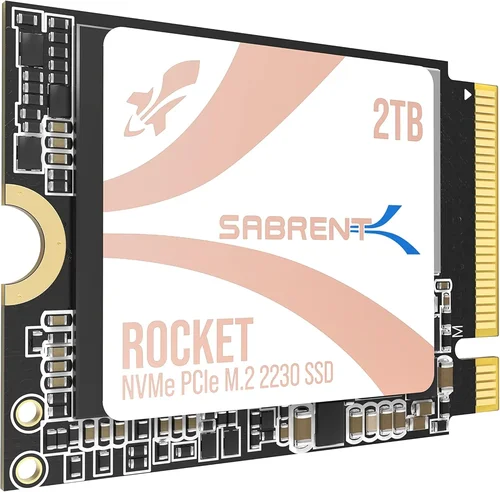
This is a common question among gamers, especially since game sizes keep growing. For most gamers in 2026, a 1TB SSD is the sweet spot. It provides ample space for your operating system, essential applications, and a healthy library of 5-7 AAA titles, many of which now easily exceed 100GB. If you're a serious gamer with dozens of titles, or if you also use your laptop for content creation or streaming, a 2TB SSD is highly recommended. For budget-conscious users, a 500GB SSD can work if you're diligent about uninstalling games you're not actively playing, but you'll hit capacity limits quickly. Remember, leaving about 15-20% of your SSD free helps maintain optimal performance.
Are there budget-friendly SSD options that are still good for laptop gamers?
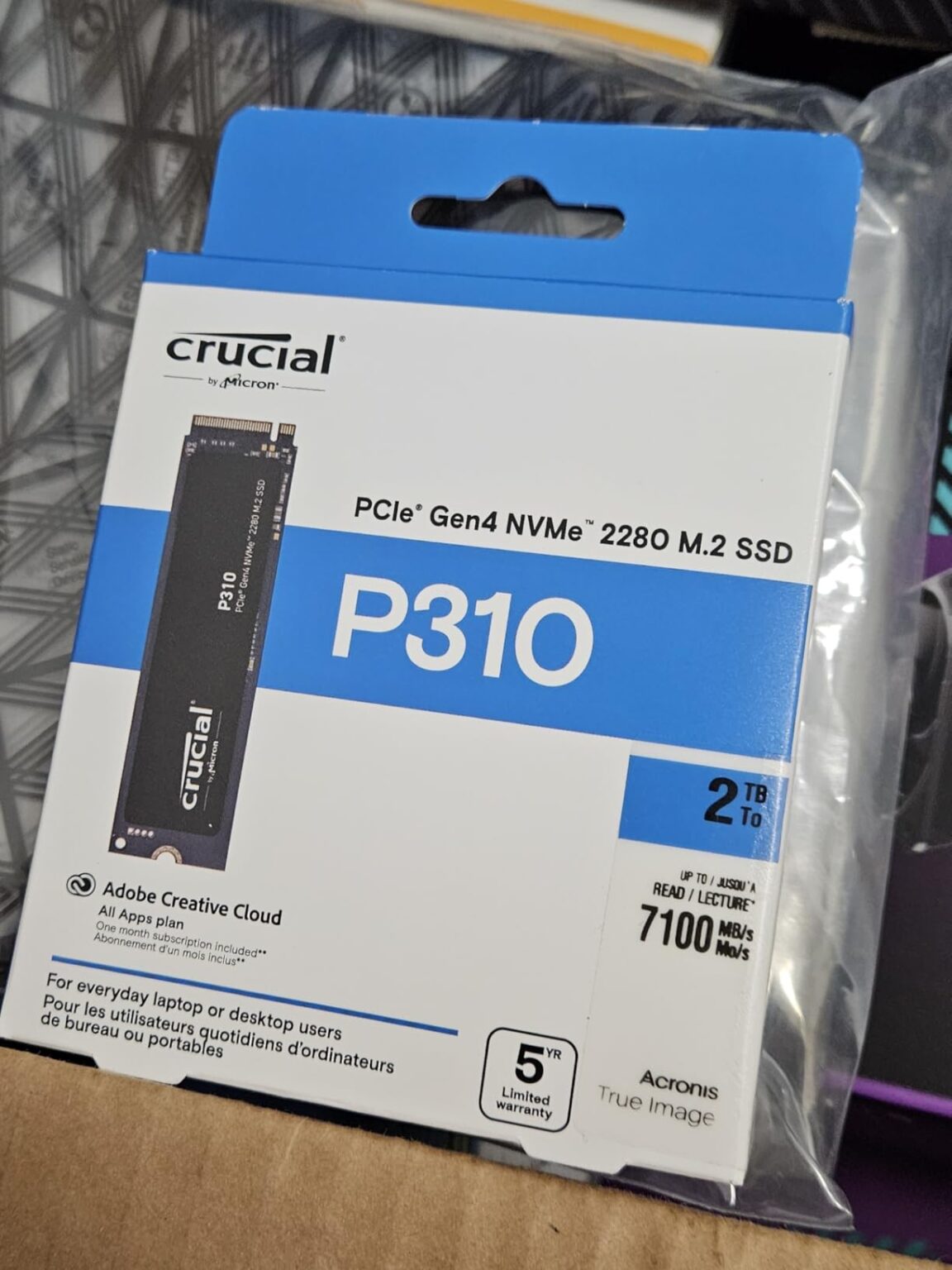
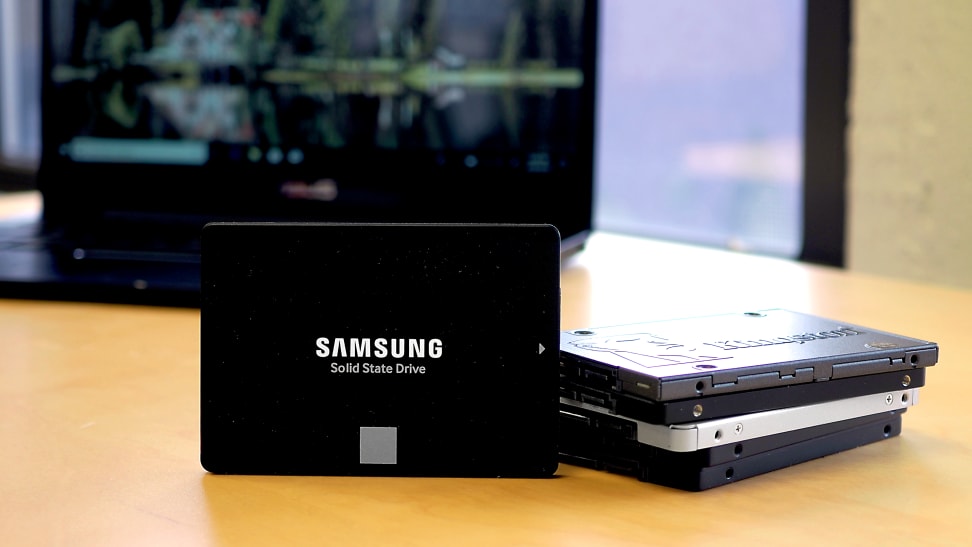
Absolutely! While top-tier Gen4 and Gen5 NVMe SSDs can be pricey, there are excellent budget-friendly options. Older generation NVMe PCIe Gen3 SSDs still offer significant performance gains over traditional hard drives and even SATA SSDs, and their prices have become very competitive. You can often find reputable 1TB Gen3 NVMe drives for under $80 this month. If your laptop only supports a 2.5-inch bay, a high-quality 2.5-inch SATA SSD is also a fantastic upgrade. While not as fast as NVMe, SATA SSDs are still 5-6 times faster than HDDs and provide a noticeable boost to boot times and game loads. Brands like Crucial, WD Blue, and even some SK hynix models offer great value for money without sacrificing too much performance for the casual or budget-conscious gamer.
How does an SSD improve my overall laptop gaming experience beyond just loading?
The benefits of an SSD extend far beyond just faster load screens. Think about the fluidity of your entire system. With an SSD, game assets can stream faster, reducing pop-in textures and making open-world environments feel more seamless. If you're multitasking—say, running a game, Discord, a browser, and OBS for streaming—an SSD significantly improves the responsiveness of all these applications. You'll experience less stuttering, especially in graphically demanding scenes where data needs to be accessed quickly. Furthermore, SSDs are silent, produce less heat, and consume less power than traditional hard drives, which means a quieter laptop, potentially better battery life for those impromptu gaming sessions, and a cooler chassis. It's a holistic upgrade that makes your entire laptop feel more premium and responsive.
Can I use an external SSD for my gaming laptop and what are the pros and cons?
Yes, you can definitely use an external SSD for your gaming laptop, and it's a popular option for expanding storage, especially if internal upgrades are difficult or expensive. The main advantage is portability and ease of use: just plug it into a USB port. For optimal performance, look for external SSDs that connect via USB-C (Thunderbolt or USB 3.2 Gen 2x2) as these offer the highest transfer speeds, sometimes nearing internal SATA SSD performance. The cons include potential bandwidth limitations compared to internal NVMe drives, meaning slightly slower load times for very demanding games. Also, it occupies a USB port and is an extra device to carry. However, for storing a large game library that you don't play constantly, or for easily transferring games between systems, external SSDs are a convenient and viable solution.
What are the top recommended SSD brands for laptop gaming in 2026?
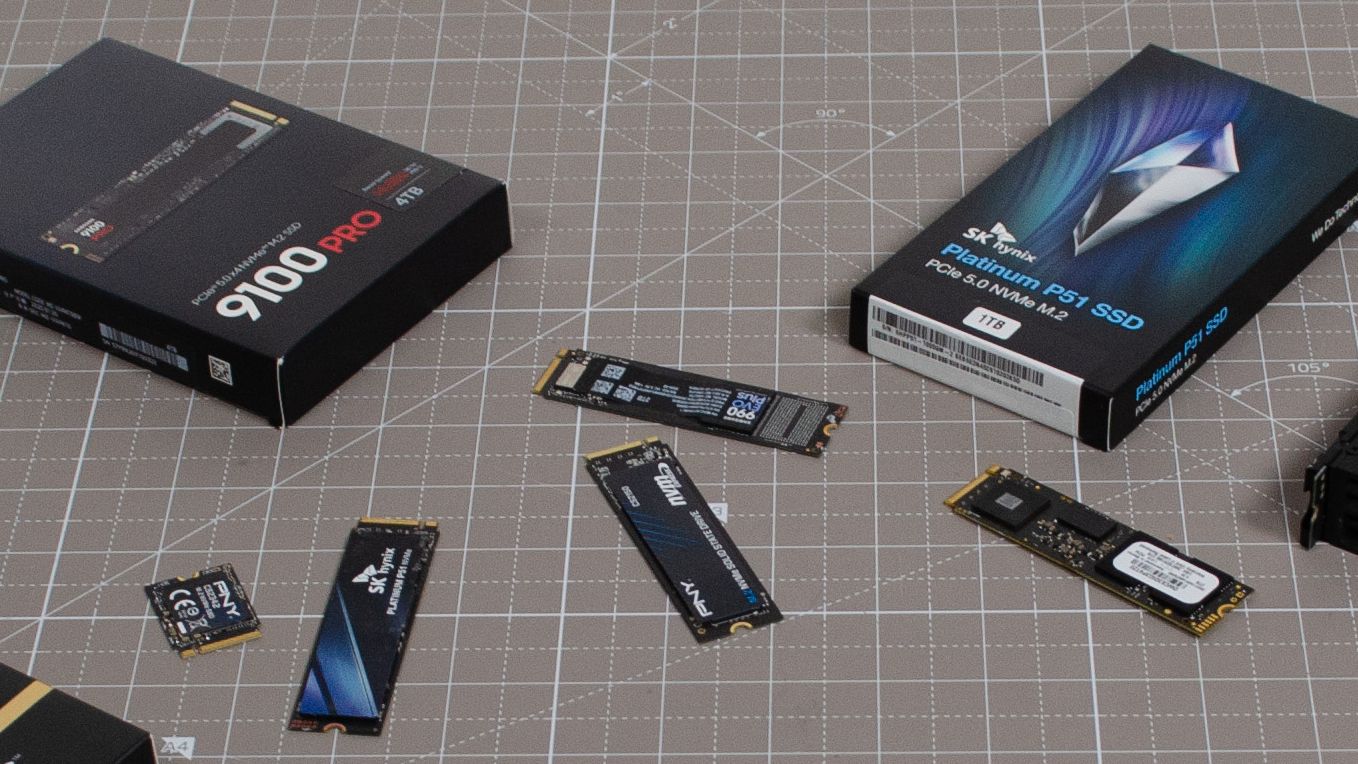
When it comes to reliability and performance, a few brands consistently stand out for gaming SSDs. Samsung (with their 980 Pro and 990 Pro series) is often considered the gold standard, offering top-tier speed and endurance. Western Digital Black (SN850X) is another formidable contender, known for its excellent gaming performance. Crucial (P5 Plus, P3 Plus) provides a fantastic balance of performance and value, making them a go-to for many gamers on a budget. SK hynix (Platinum P41) has also emerged as a strong performer, often competing with the best at a slightly lower price point. Lastly, don't overlook brands like Kingston (Fury Renegade) and Seagate (FireCuda series), which offer robust and fast NVMe solutions. Always check reviews and specific model performance, but sticking with these trusted names will generally ensure a high-quality purchase.
How long does an SSD typically last in a gaming laptop?
SSDs are quite durable, especially compared to mechanical hard drives, which have moving parts. The lifespan of an SSD is primarily measured by its TBW (Terabytes Written) rating, which indicates how much data can be written to the drive over its lifetime before its reliability starts to degrade. Most modern gaming SSDs have very high TBW ratings—often hundreds to thousands of terabytes—meaning they can handle years of heavy daily use. For the average gamer, even those playing 10+ hours a week, it's highly unlikely you'll reach the TBW limit before you upgrade your laptop itself. You can generally expect a high-quality SSD to last 5 to 10 years or even longer, making it a very reliable long-term investment for your gaming setup.
Will an SSD help with game streaming or content creation on my laptop?
Absolutely, an SSD is incredibly beneficial for game streaming and content creation on your laptop. When streaming, your system is constantly reading game data and potentially writing footage to disk for recording. An SSD's high read/write speeds ensure that game assets load quickly, reducing stutters that could affect your stream quality. For content creation, especially with large video files or complex graphics projects, an SSD dramatically speeds up tasks like loading project files, rendering previews, exporting final videos, and accessing large texture libraries. If you're recording gameplay footage, an NVMe SSD can handle the high bitrates without dropping frames, ensuring your recordings are smooth and professional. It streamlines your entire workflow, making you more efficient and your content creation process much smoother.
FAQ Section: Quick Answers for Laptop SSDs
What's the difference between NVMe and SATA SSDs for laptops?
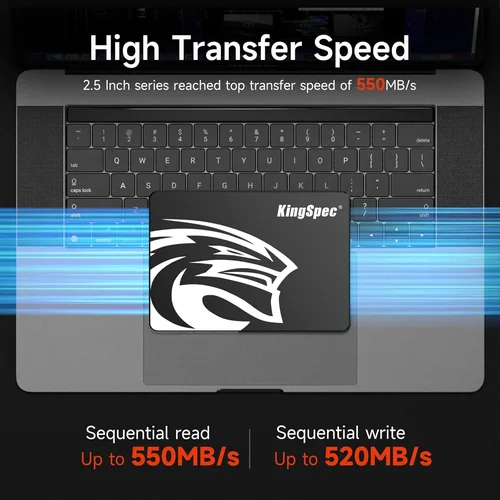
NVMe SSDs connect via the PCIe interface, offering significantly faster speeds (thousands of MB/s) ideal for gaming and heavy tasks, while SATA SSDs use the older SATA interface, with speeds capped around 550 MB/s. NVMe is generally the superior choice for modern gaming laptops.
How much performance improvement can I expect from an SSD upgrade?
You can expect dramatic improvements. Boot times will drop from minutes to seconds, game load times will be cut by 50-70% or more, and overall system responsiveness will feel much snappier. This transforms the user experience from sluggish to instant.
Is installing an SSD in a laptop difficult for an average gamer?
For many modern laptops with easily accessible M.2 slots, installing an SSD can be surprisingly straightforward with a screwdriver and a YouTube tutorial. However, some models are more challenging. Always check your laptop's specific service manual or a guide for your exact model before attempting an upgrade. Backup your data first!
Do I need a heatsink for my laptop's NVMe SSD?
Many performance NVMe SSDs, especially Gen4 and Gen5, can generate heat under heavy load. Some gaming laptops come with built-in thermal pads or heatsinks for M.2 slots. If yours doesn't, and you're getting a high-performance drive, a thin aftermarket heatsink might be beneficial, but always ensure it fits within your laptop's chassis clearance.
Will an SSD help with my laptop's battery life?
Yes, SSDs generally consume less power than traditional spinning hard drives, especially during idle periods or light use. This can translate to a modest improvement in your laptop's battery life, which is a nice bonus for gamers on the go or those who prefer cordless play.
Can I clone my old drive to a new SSD?
Absolutely. Cloning your old drive to a new SSD is a popular method to migrate your operating system, programs, and files without a fresh install. Many SSD manufacturers provide cloning software with their drives (e.g., Samsung Data Migration, Acronis True Image). Just ensure your new SSD has enough capacity for all your data.
So there you have it, fellow gamers. Upgrading to the best SSD drive for laptop gaming isn't just about faster numbers; it's about reclaiming your precious gaming time, boosting your enjoyment, and ensuring your rig keeps up with the demands of 2026's incredible titles. For those of us juggling careers, families, and still wanting to escape into our favorite digital worlds, a solid SSD is a game-changer. It's a smart investment that pays dividends in performance, satisfaction, and less frustration.
What's your biggest gaming challenge with your current laptop setup? Comment below!
Lightning-fast game load times and system boot ups. Significantly improved in-game responsiveness and smoother multitasking. Enhanced battery life and quieter operation compared to HDDs. Superior durability, ideal for portable gaming laptops. Future-proof your setup for 2026's demanding game titles. Optimal performance for balancing gaming, work, and family life.
35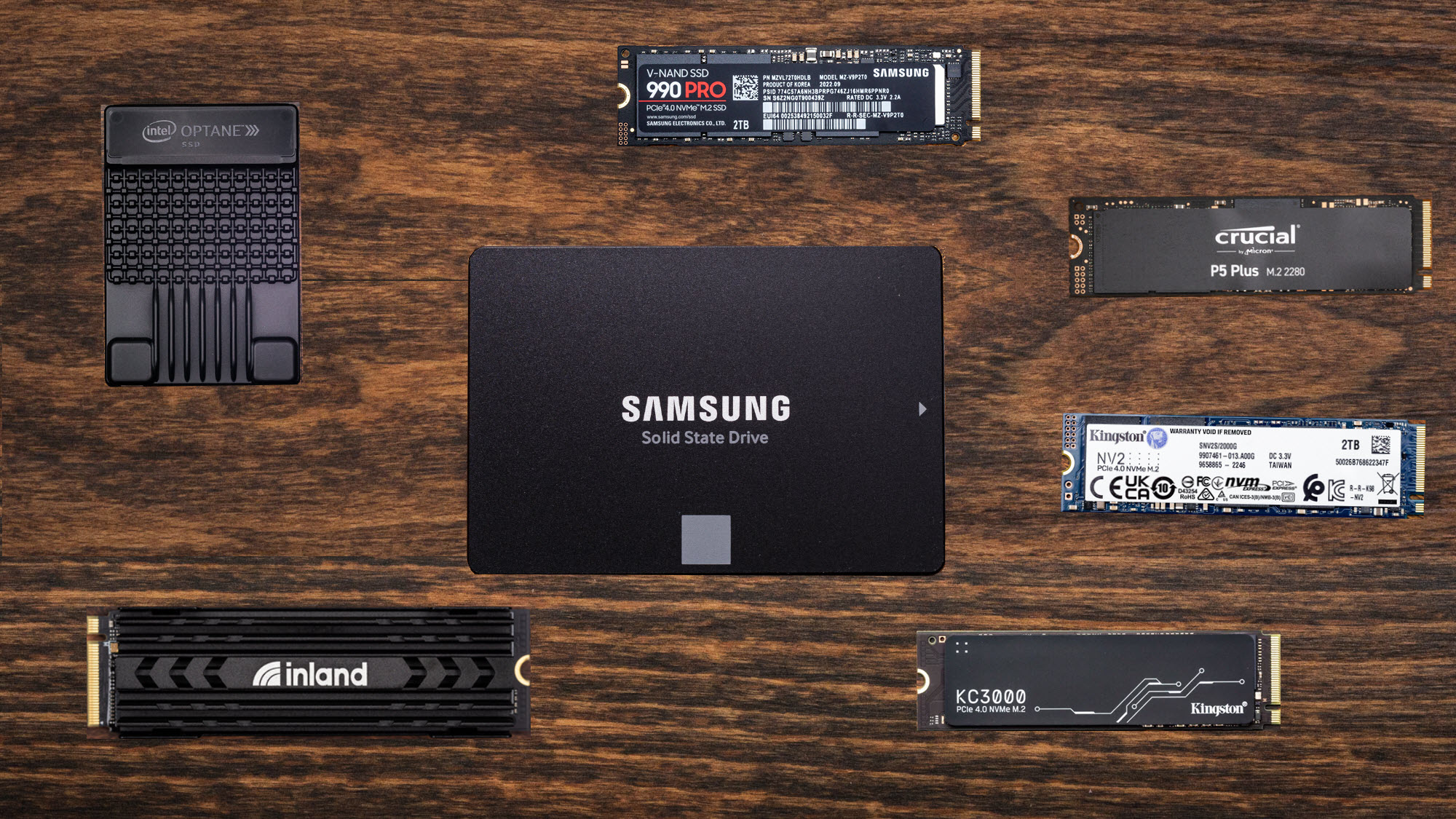



CES 2026 Day 1 Lenovo Debuts Wild Rollable OLED Laptop Concepts Asus . The Best SSD In 2026 Top Solid State Drives For Your PC TechRadar 1358 80 . Best SSD Drives For Laptop 2026 12 Expert Tested Models 41Jf2yGpAgL . Best SSD Drives For Laptop 2026 12 Expert Tested Models 41eTFK7clfL . 7 Best Laptop SSD Drives Of 2026 Speed Reliability Top Ssds For Laptops


Best SSD Drives For Laptop 2026 12 Expert Tested Models Featured Image P25wrt4j . 10 Best External SSD In 2026 Portable Fast And Powerful Best External Ssd. Best SSDs For Upgrading Your Laptop Buying Guide In 2026 Best Ssds For Upgrading Your Laptop . Best SSD For ASUS ROG Laptops Guide 2026 Ssdbuddy Com Whats The Best Ssd Drive For An Asus Rog Laptop 2.webp. The Best SSDs In 2026 48f38fd0 D44c 11f0 Bf1f
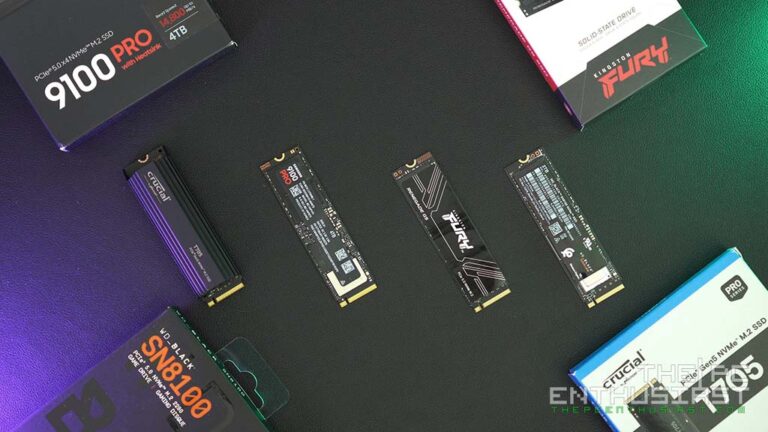


Best Gen5 SSDs This 2026 Fastest PCIe 5 0 NVMe M 2 Drives Reviewed The Best And Fastest M.2 SSD We Have Tested And Reviewed So Far 768x432 . 9 BEST SSDs OF 2026 Fasted Solid State Drives YouTube . Best SSD Drives For Laptop 2026 12 Expert Tested Models 31ITAX GoIL . Best SSD For Laptop In 2026 Our Top Picks PC Guide HP S750 512GB 300x236 . Best 128GB SSD Buyer S Guide 2026 Ssdbuddy Com Which Is The Best 128gb Ssd Drive 0.webp



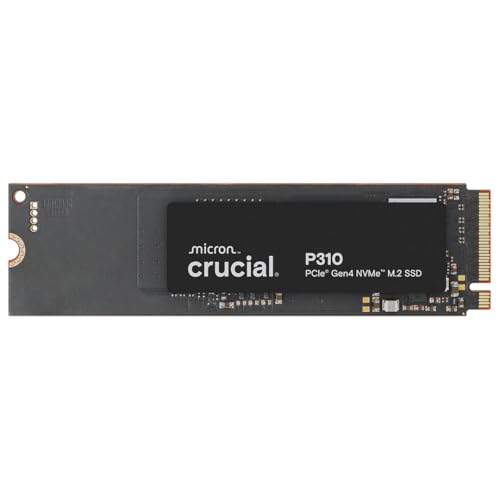

Best SSD Drives For Laptop 2026 12 Expert Tested Models 3137jN3vkqL . The Best SSDs For Upgrading Your Laptop In 2026 Crucial P310 Avuw.3840 . Best SSD Drives For Laptop 2026 12 Expert Tested Models 31LdvAbumfL . Best SSD Drives For Laptop 2026 12 Expert Tested Models 31s WKnYDvL . Laptop SSD Vs HDD Guide 2026 Ssdbuddy Com Which Is Best In A Laptop Hdd Or Ssd 0.webp


Best SSD Drives For Laptop 2026 12 Expert Tested Models 31Cvftv7o7L . Best SSD Drives For Laptop 2026 12 Expert Tested Models 319Pcp 2f3L . 10 Best SSDs For Laptops March 2026 Complete Guide B0DC8VPSHV Customer 1 2 . The Best SSDs For Upgrading Your Laptop In 2026 Teamgroup Z540 Qb5c . Best SSD Buying Guide 2026 Ssdbuddy Com Whats The Best Ssd Drive To Buy 2.webp

Best External Hard Drives 2026 Top HDD And SSD Models Space 1920 80 . 12 Best Gaming SSDs 2026 Expert Reviewed Drives Tested B0DN6ZQ3PD Customer 2 2 1024x735 . Best SSD For ASUS ROG Laptops Guide 2026 Ssdbuddy Com Whats The Best Ssd Drive For An Asus Rog Laptop 0.webp. 12 Best Gaming SSDs 2026 Expert Reviewed Drives Tested B0B7CQ2CHH Customer 1 2 300x214 . Best SSD Drives For Laptop 2026 12 Expert Tested Models Gravatar


Best Portable SSD In 2026 Our Top External Drive Picks Best Nas Ssd . 10 Best SSDs For Laptops March 2026 Complete Guide B0DC8VPSHV Customer 2 2 1152x1536 . Best SSD For Laptops Experts Pick 2024 PC 2020 Highlights 1 . Top 5 Best Ssd Drives Editor S Choice 2026 Vansuny 39698327 . 6 Best SSDs For Your Laptop Mac Or PC Of 2026 Reviewed Best Laptops Ssd Hero