Navigating the world of PC gaming setups in 2026 demands a balance of performance, aesthetics, and smart spending. This guide delves into the increasingly popular pc gamer black and white theme, offering insights for both seasoned builders and newcomers. Discover how to create a sleek, high-performing monochrome gaming rig that stands out without breaking the bank. We explore everything from essential component selection to sophisticated cable management and ambient lighting, ensuring your black and white PC not only looks fantastic but also delivers top-tier gaming experiences. For busy adult gamers who juggle work, family, and personal time, a well-optimized, visually appealing setup like a black and white PC provides the perfect blend of relaxation and high-fidelity entertainment, helping you unwind and build skills efficiently. Learn how to avoid common pitfalls and optimize your setup for the latest games and social gaming trends, all while staying current without falling for fleeting hype. This resource aims to simplify your journey to an iconic black and white gaming PC.
Why is the black and white PC gamer aesthetic so popular in 2026?
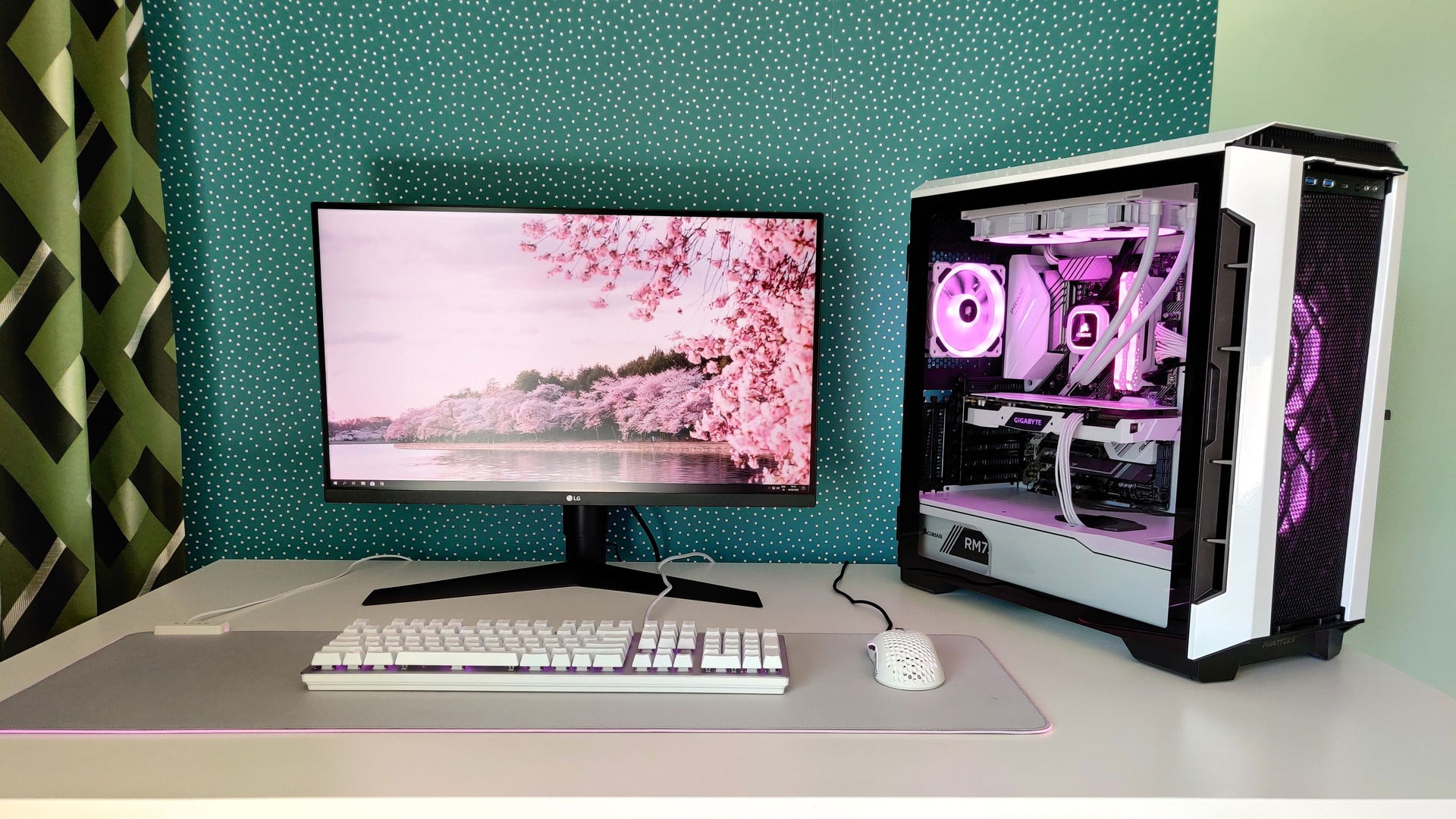
The black and white PC gamer aesthetic is soaring in popularity because it offers a timeless, sophisticated, and clean look that resonates with adult gamers balancing life, work, and their passion. It's a deliberate shift away from chaotic RGB builds, providing a calm, focused environment perfect for unwinding after a long day or diving into competitive play. This minimalist approach allows premium components to shine, reflecting a mature taste that values understated power and elegance over excessive flash, creating a visually cohesive and inviting space.
What are the best white PC cases that offer excellent airflow for gamers?
For gamers prioritizing both crisp white aesthetics and superior thermal performance in 2026, excellent choices include the Lian Li O11 Dynamic EVO White, known for its modularity and vast cooling potential, and the NZXT H7 Flow White, praised for its straightforward design and unobstructed airflow. The Corsair 4000D Airflow White also stands out as a budget-friendly option, providing robust cooling and a clean look. These cases ensure your high-performance components stay cool and look stunning within your black and white PC gamer setup.
How can I ensure my black and white gaming PC has optimal cable management?
Optimal cable management for a black and white gaming PC involves strategic planning and quality components. Start by selecting a case with ample routing channels and tie-down points. Invest in custom white or black braided cable extensions for your GPU and motherboard power, as these are highly visible. Utilize zip ties or Velcro straps to bundle cables neatly behind the motherboard tray, out of sight. Plan your component installation carefully, routing cables as you go to avoid tangles and maintain the clean, monochrome aesthetic crucial for a pristine black and white PC gamer build.
Are there specific GPU brands known for their white or black and white variants?
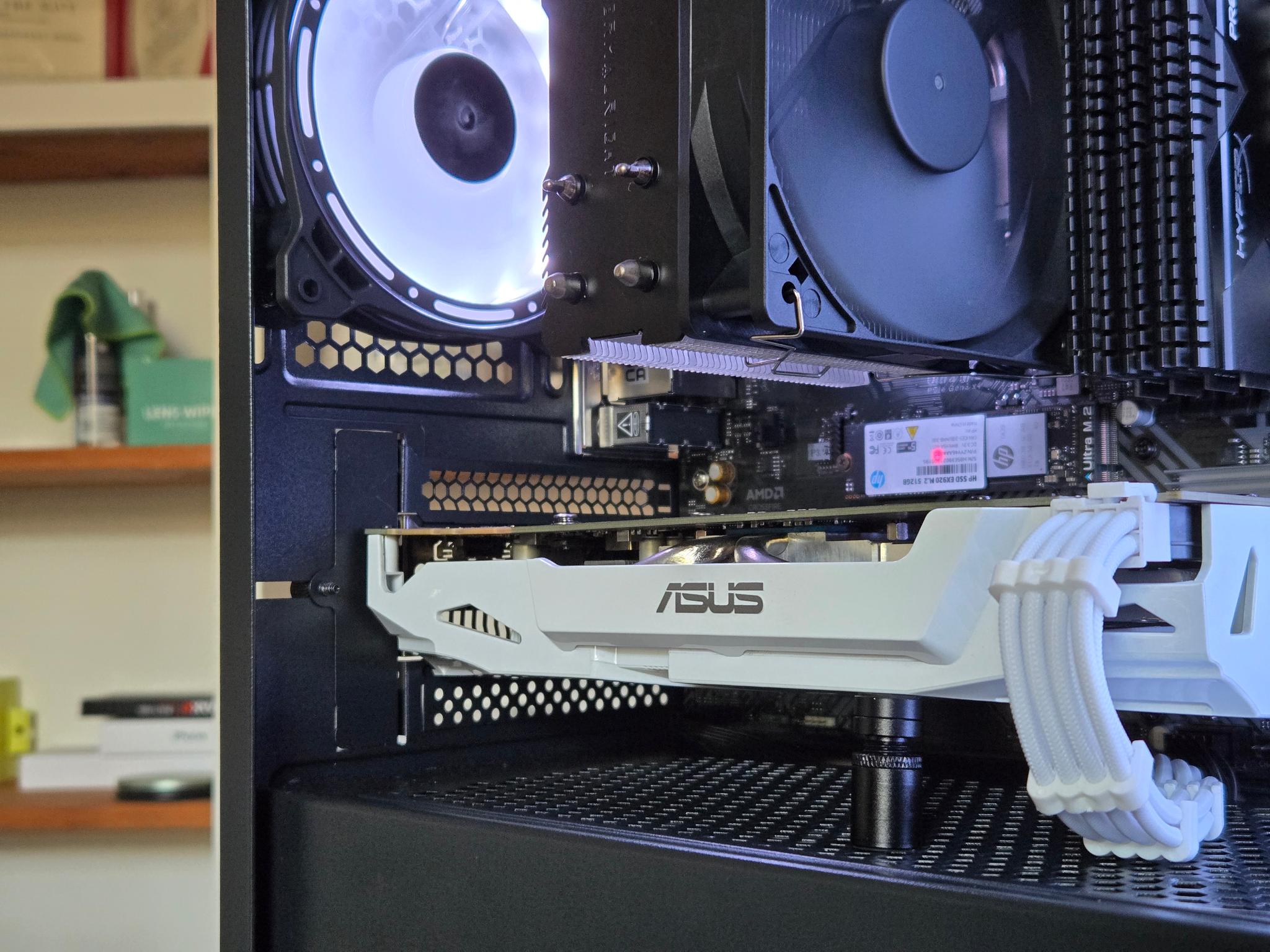
Yes, several GPU manufacturers consistently release models in white or distinct black and white designs that are perfect for a monochrome PC gamer setup. Gigabyte's AERO series, particularly their white GPUs, are highly sought after for their clean, elegant aesthetic and strong performance. ASUS offers stunning white versions within their ROG Strix line, while ZOTAC occasionally releases unique white or black and white cards. These brands understand the demand for themed builds, making it easier to find a powerful graphics card that perfectly matches your desired black and white PC aesthetic.
What are common mistakes to avoid when building a black and white PC?
When building a black and white PC, avoid these common mistakes: overspending solely on color-matched components when performance alternatives are cheaper, neglecting cable management which ruins the clean aesthetic, and inconsistent RGB lighting that clashes with the monochrome theme. Also, don't forget to color-match peripherals to complete the look. Failing to plan component compatibility for both color and function can lead to frustration. A well-executed black and white PC gamer build requires careful consideration of every visual and functional detail to truly shine.
Can I achieve a stunning black and white PC setup on a budget?
Absolutely, achieving a stunning black and white PC setup on a budget is entirely possible. Focus on cost-effective cases like the Fractal Design Pop Air or Cooler Master TD500 Mesh in white. Prioritize performance with black components (CPU, PSU) where color doesn't add value. Utilize white CPU coolers and RAM. Invest in affordable white cable extensions rather than expensive custom cables. By carefully selecting a mix of budget-friendly black and white parts and leveraging intelligent cable management, you can create an impressive black and white PC gamer aesthetic without breaking the bank, proving value for money is key.
How does RGB lighting fit into a black and white PC theme?
RGB lighting can beautifully enhance a black and white PC theme when used subtly and intentionally. Instead of a rainbow effect, set your RGB to a single accent color (e.g., cool blue, soft white, or vibrant red) or a gentle, pulsing white. This approach complements the monochrome backdrop, drawing attention to specific components like your GPU or AIO pump without overwhelming the clean aesthetic. It allows for mood setting and personalization while maintaining the sophisticated look of your black and white PC gamer setup, offering versatility without sacrificing elegance. Minimalist RGB is key to making it work.
Are you a dedicated gamer, perhaps balancing a demanding job, family life, and still finding time to dominate virtual worlds? If so, you understand the value of efficiency, reliability, and a space that truly feels like your own. For many, the cluttered, rainbow-vomit aesthetics of traditional gaming setups are a thing of the past. The rise of the pc gamer black and white theme isn't just a fleeting trend; it's a deliberate choice for a sophisticated, clean, and often more calming gaming environment. It's about wanting a high-performance machine that looks as good as it plays, without the overwhelming visual noise. This article is your ultimate guide to building, optimizing, and maintaining the ultimate black and white PC setup, addressing common pain points like finding budget-friendly components, managing cables, and ensuring top-tier performance for those precious gaming hours. We'll help you cut through the hype and focus on what truly matters to a modern gamer.
US gamers, averaging around 36 years old, often dedicate over 10 hours a week to their passion, with 87 percent regularly engaging in gaming. This demographic values immersive experiences, social connectivity through platforms like Discord, and hardware that supports their diverse gaming habits—from competitive esports to relaxing cozy games. They seek solutions that offer value for money and deliver performance without constant tinkering. A black and white PC setup provides a timeless aesthetic that won't feel dated in a few months, allowing you to focus on the game and not the distracting lights. It's about creating a personal sanctuary where every element serves a purpose, both functionally and visually, ensuring your gaming sessions are pure enjoyment and skill-building.
Why Is a Black and White PC Build So Appealing to Modern Gamers?
The appeal of a black and white PC build for the contemporary gamer lies in its elegant simplicity and timelessness. In an era where digital noise is constant, a minimalist aesthetic provides a sense of calm and focus. It's a statement against chaotic RGB overload, offering a sophisticated look that seamlessly integrates into any home or office environment, whether it's a dedicated gaming room or a shared family space. This choice reflects a mature approach to gaming hardware, prioritizing clean lines and understated power over flashy, often distracting, visual effects. For gamers who appreciate a refined setup, the controlled color palette allows individual components to truly shine, highlighting premium materials and thoughtful design.
Furthermore, a monochrome theme is incredibly versatile. It provides a perfect canvas for subtle accent lighting, allowing you to introduce a single color highlight through RGB to match your mood or the game you're playing without overwhelming the entire build. This adaptability makes it a long-term choice that won't quickly go out of style, ensuring your investment in aesthetics remains relevant. Many gamers, especially those balancing gaming with professional lives, find that a clean, professional-looking setup helps maintain focus and reduces visual fatigue during extended sessions. It's an aesthetic that speaks to quality and intentionality, resonating with those who value substance as much as style in their digital lives.
What Are the Essential Components for a Black and White Gaming PC?
Building a top-tier pc gamer black and white setup means carefully selecting components available in these specific colors. Fortunately, manufacturers have recognized this popular trend, offering a wide array of options across almost every category. You'll want to prioritize a white or black case, a motherboard with a matching PCB or heatsinks, and a GPU with a predominantly white or black shroud. RAM sticks often come with white heatsinks, and CPU coolers, especially AIO liquid coolers, are frequently available in stark black or clean white. Power supplies are typically black, but white cables or sleeved extensions are crucial for completing the look. Ensure your choices align both aesthetically and functionally.
Here's a breakdown of key components to look for:
- Case: Opt for cases like the NZXT H5 Flow White, Lian Li O11 Dynamic EVO White, or Corsair 4000D Airflow in white or black variants.
- Motherboard: Many ASUS ROG STRIX, MSI MAG, or Gigabyte AORUS boards offer white or black PCBs with matching heatsinks.
- CPU Cooler: White AIO liquid coolers (e.g., NZXT Kraken, Corsair iCUE H150i ELITE LCD XT White) or black air coolers (e.g., Noctua NH-D15 chromax.black) are excellent choices.
- Graphics Card (GPU): Look for white editions from ASUS (ROG Strix White), Gigabyte (AERO OC), or ZOTAC (ArcticStorm). Black GPUs are more common and can contrast beautifully.
- RAM: Modules like Corsair Vengeance RGB Pro SL White or Crucial Ballistix White offer perfect aesthetic synergy.
- Storage: M.2 SSDs are typically black, blending seamlessly. SATA SSDs can be hidden.
- Power Supply: While PSUs are usually black, invest in high-quality custom white cable extensions or individually sleeved cables to ensure the internal wiring matches your theme.
- Fans: White or black fans (e.g., Arctic P12 PST White, Corsair LL120 RGB White, Lian Li SL120 UNI FAN) are essential for consistent airflow and aesthetics.
How Do I Balance Aesthetics and Performance in My Black and White Setup?
Balancing aesthetics and performance in a pc gamer black and white build is about smart compromises, not sacrifices. The good news is that many top-tier components are now available in both black and white, meaning you don't always have to choose. For example, a white NVIDIA RTX 4080 GPU from Gigabyte's AERO line offers identical performance to its black counterpart. The key is to select components that are known for their performance first, then filter by the black and white aesthetic. Avoid overpaying just for a specific color if a more powerful, equally themed alternative exists at a similar price point. Always prioritize the CPU, GPU, and sufficient RAM for your gaming needs, as these have the most significant impact on frame rates and responsiveness.
Consider where your budget is best spent. For instance, a slightly more expensive white AIO cooler might be worth it for the visual impact and superior cooling over a stock air cooler, while still allowing you to allocate funds to a stronger GPU. Don't fall for flashy, expensive components solely because they are white or black if their performance doesn't justify the cost. Focus on the core components that drive your gaming experience, then layer the aesthetics on top. Many gamers today, mindful of both their wallets and their desire for a premium experience, understand that value for money means optimizing both looks and raw power. This mindful approach ensures you get a beautiful machine that can handle the latest AAA titles and competitive esports alike, without compromise.
Are Black and White PC Components More Expensive?
Historically, specialized colored components, including white versions, often carried a
Achieving a sleek black and white PC gaming aesthetic, balancing high performance with monochrome style, selecting the best white and black components, optimizing cable management for a clean look, incorporating subtle RGB for accent, budget-friendly black and white build tips, maintaining a pristine gaming setup, and suitability for streaming.
35


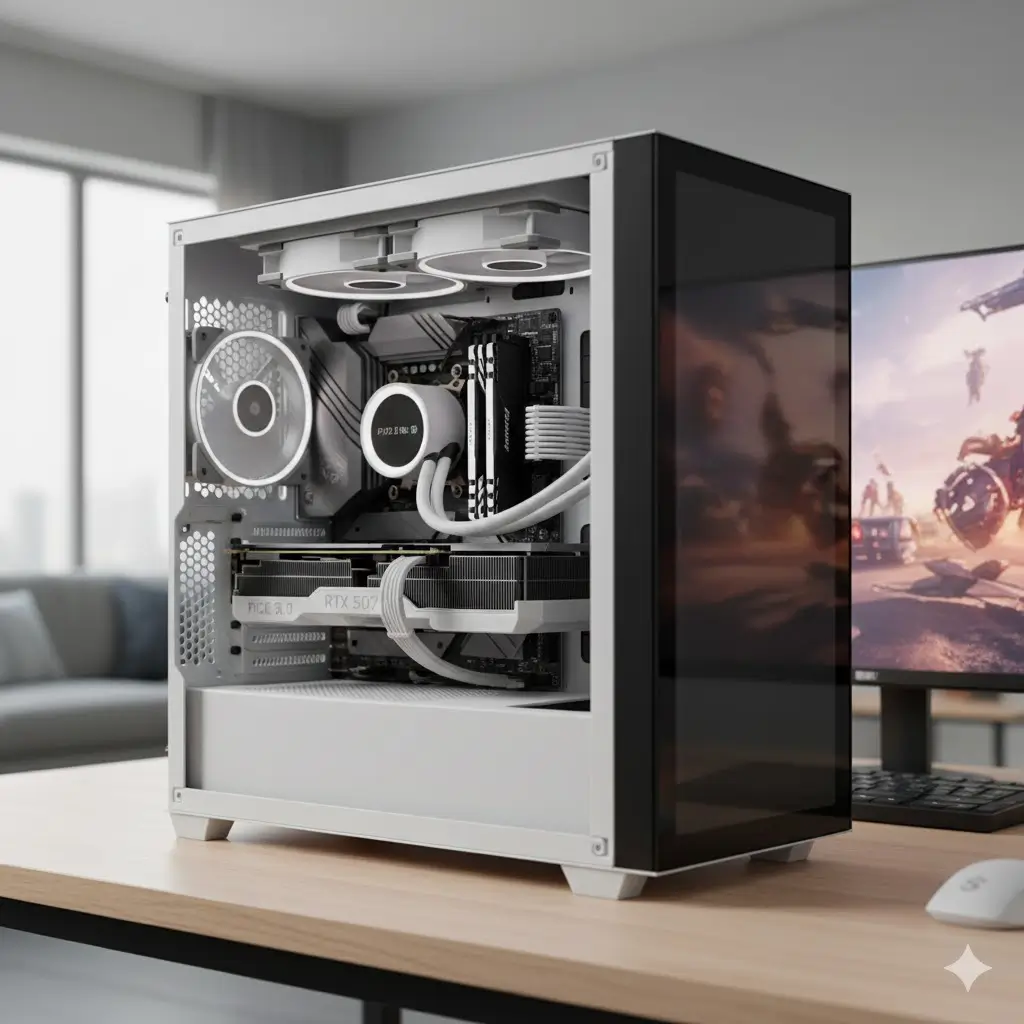
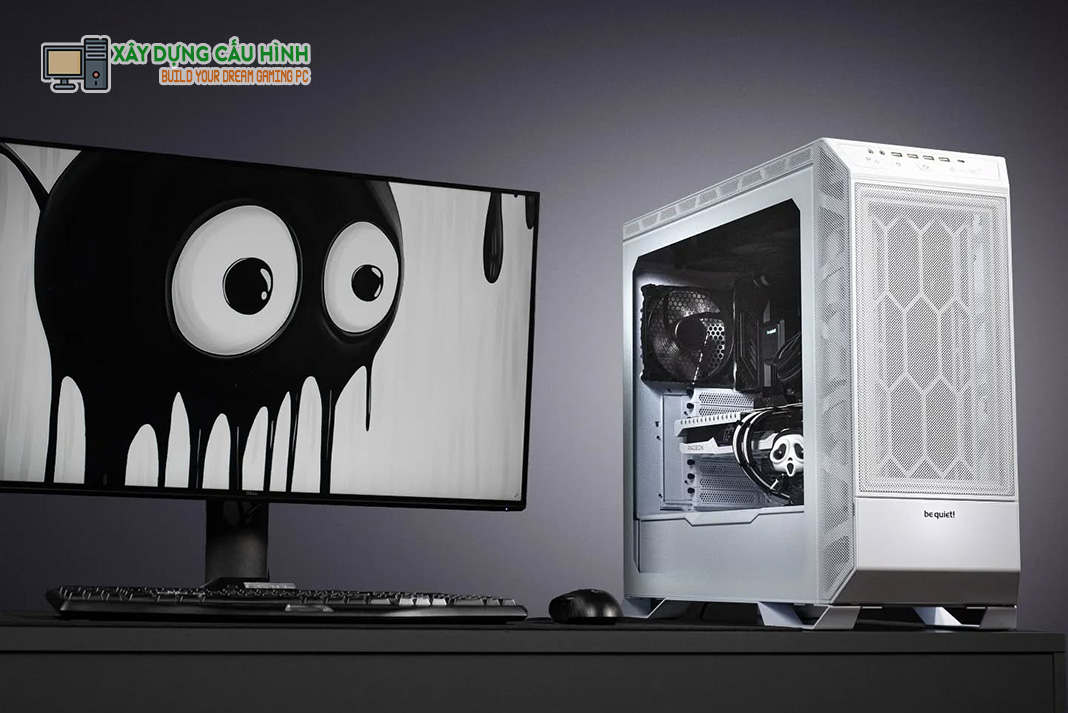
The BEST Black White Gaming PC For 2026 RTX 5080 9800X3D YouTube . Monter Son PC Gamer En 2026 Le Guide Complet Guide Monter Pc Gamer 2026 Une 1 1 . Ultimate Black White Gaming PC Build With A Sleek RGB Touch . 8 Best Gaming PCs For 2026 Ultimate Buyer S Guide Best Gaming Pc 2026 The Balanced. PC Showcase Black White PC Build V P T I Gi N Pc Showcase Black White Pc Build 1
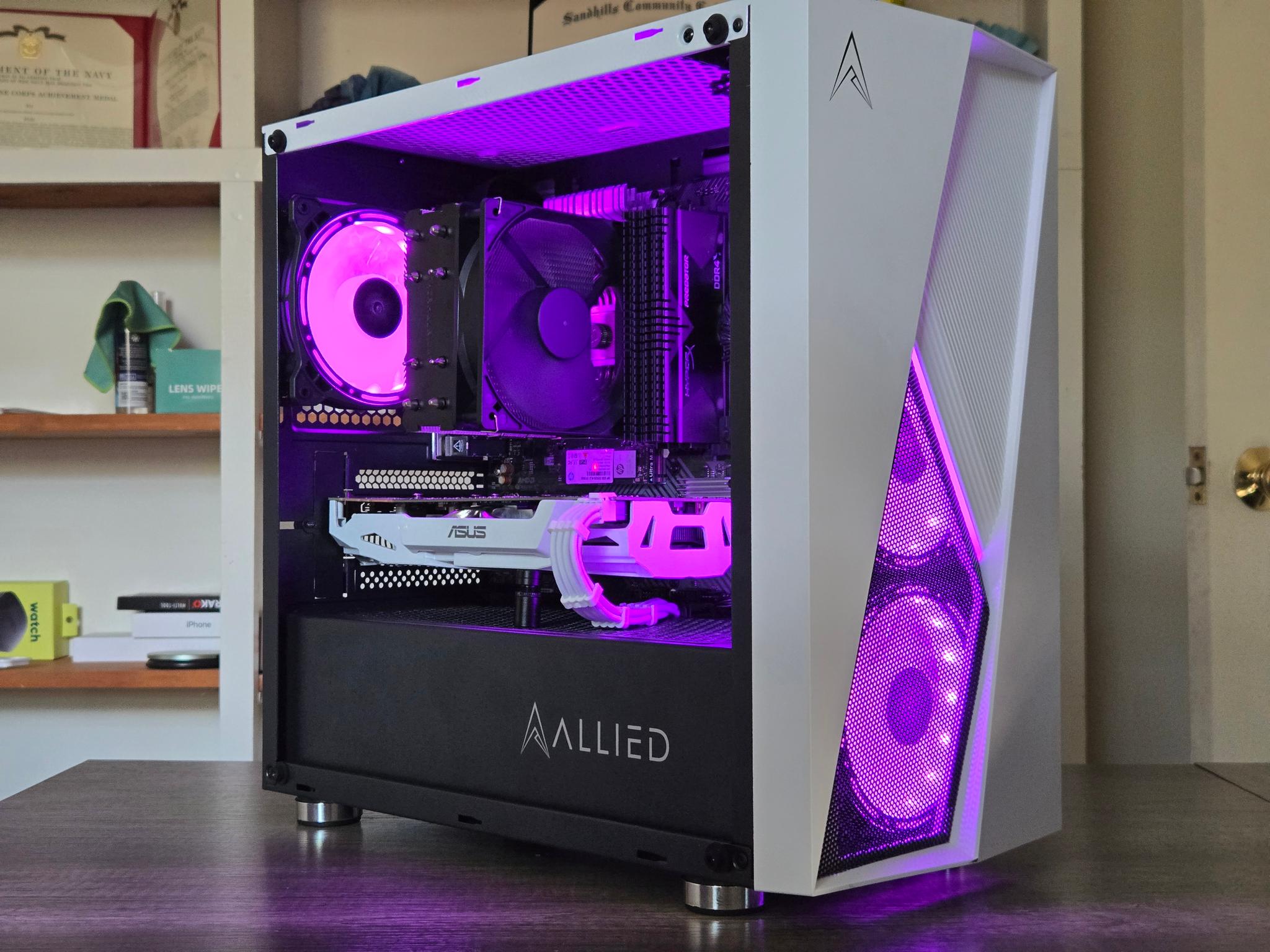


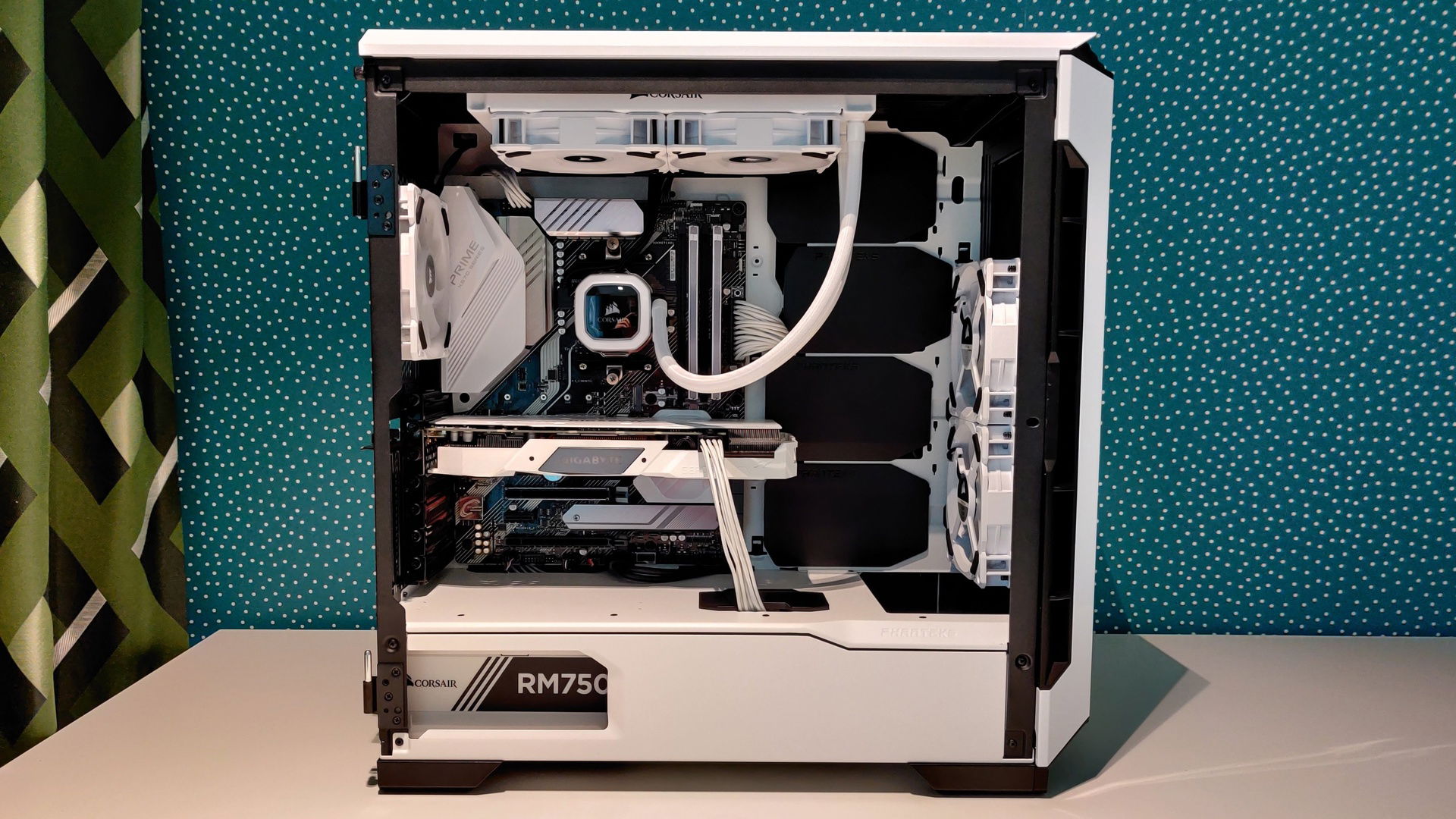
Black White Gaming PC Ryzen 5 2600 GTX 1070 8GB 16GB 1TB Wi. 8 Best Gaming PCs For 2026 Ultimate Buyer S Guide Best Gaming Pc 2026 The Neuralcore X.webp. Black And White PC Gamer Setup Sleek And Productive . Just Want To Share My Black And White Gaming Pc Build I Know It S Not . Black And White And RGB Ofc Themed Gaming PC For My Sister Builds Gg 141330 1920

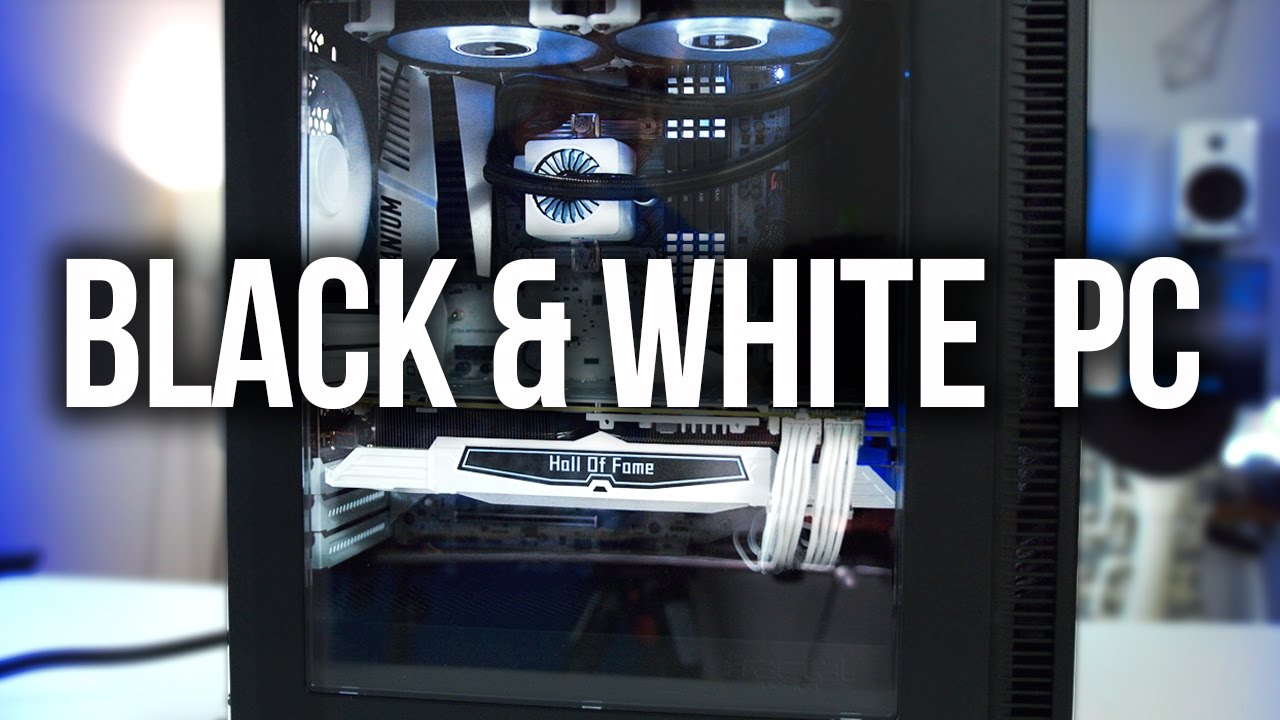
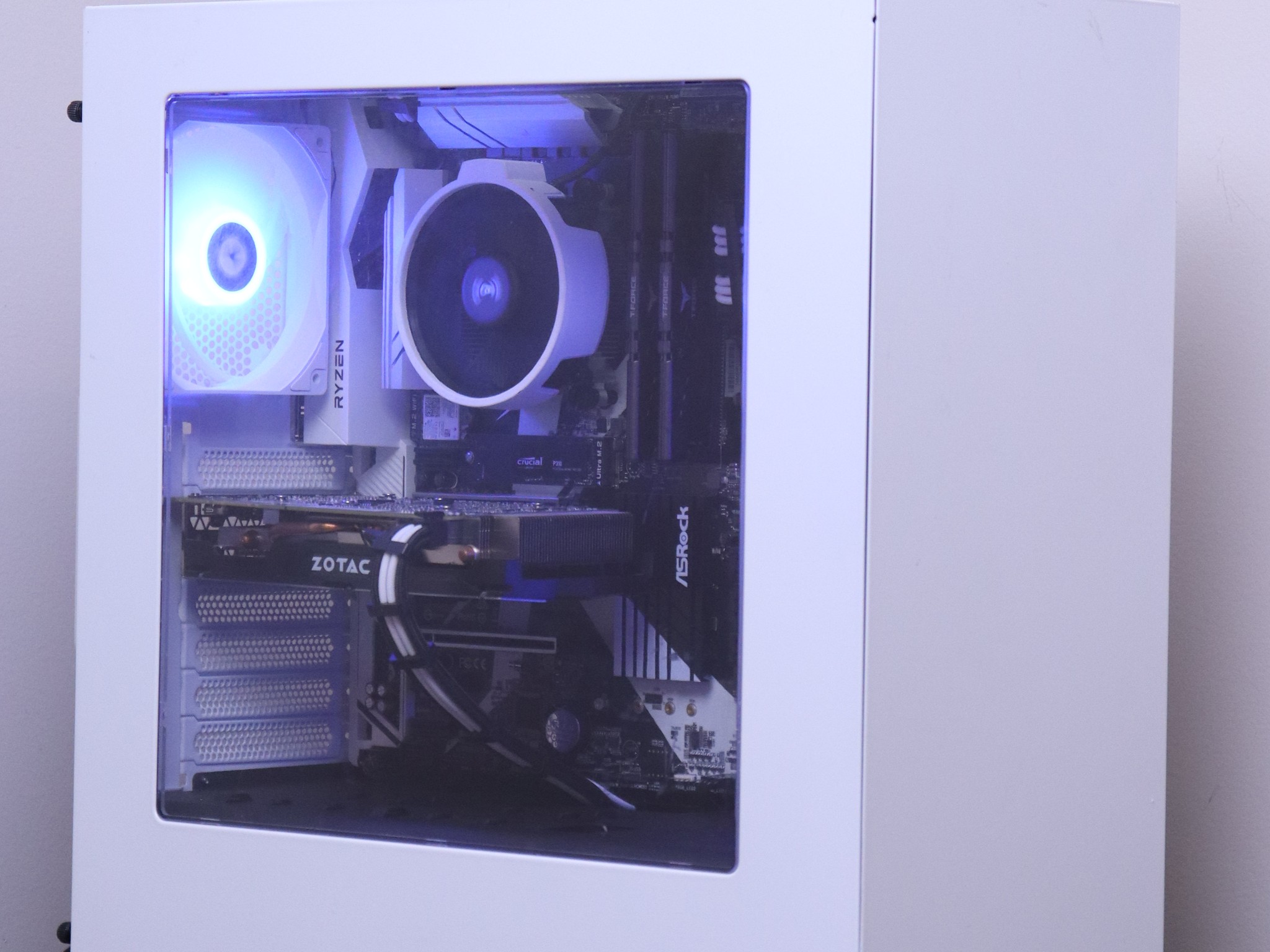
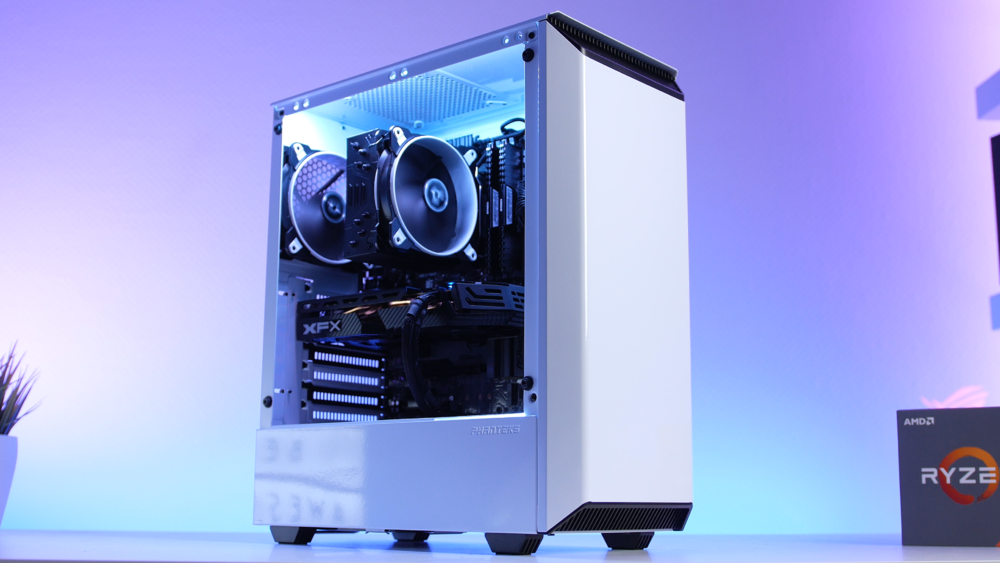
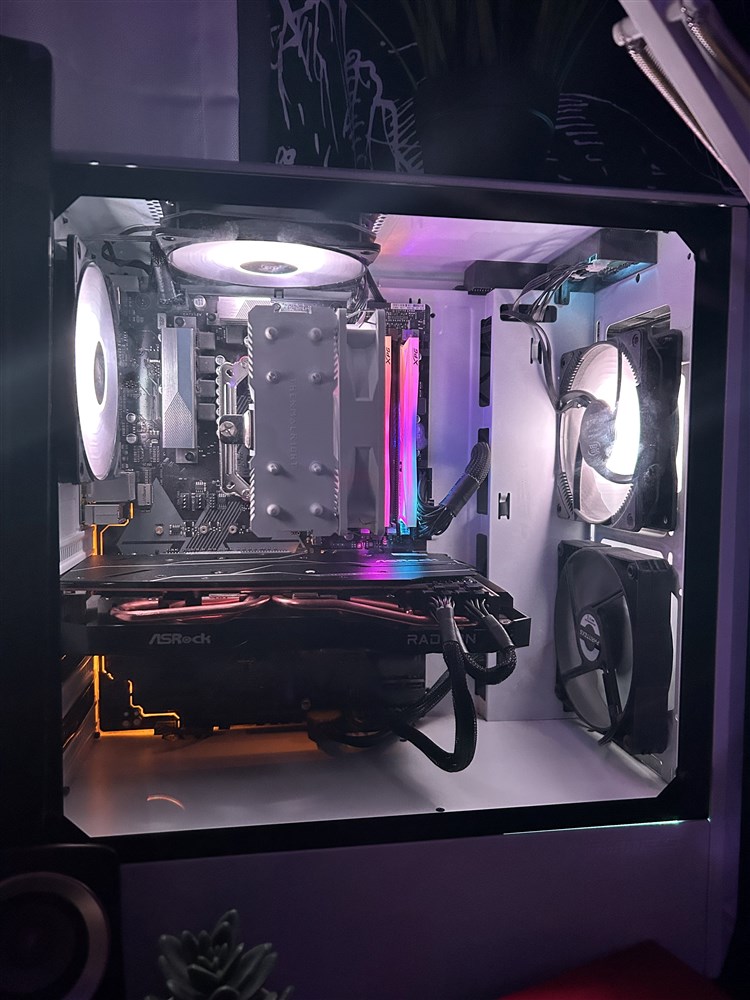
Black White Gaming PC Ryzen 5 GTX 1060 6GB 16GB 512GB Wi Fi. Awesome Black White Gaming PC Build YouTube . Black And White NVIDIA Gaming PC Jawa. Black And White Budget Gaming System Builds Gg 65411 1000 . Black And White Gaming PC Micro Center Build 6f40e040 F504 4284 8367
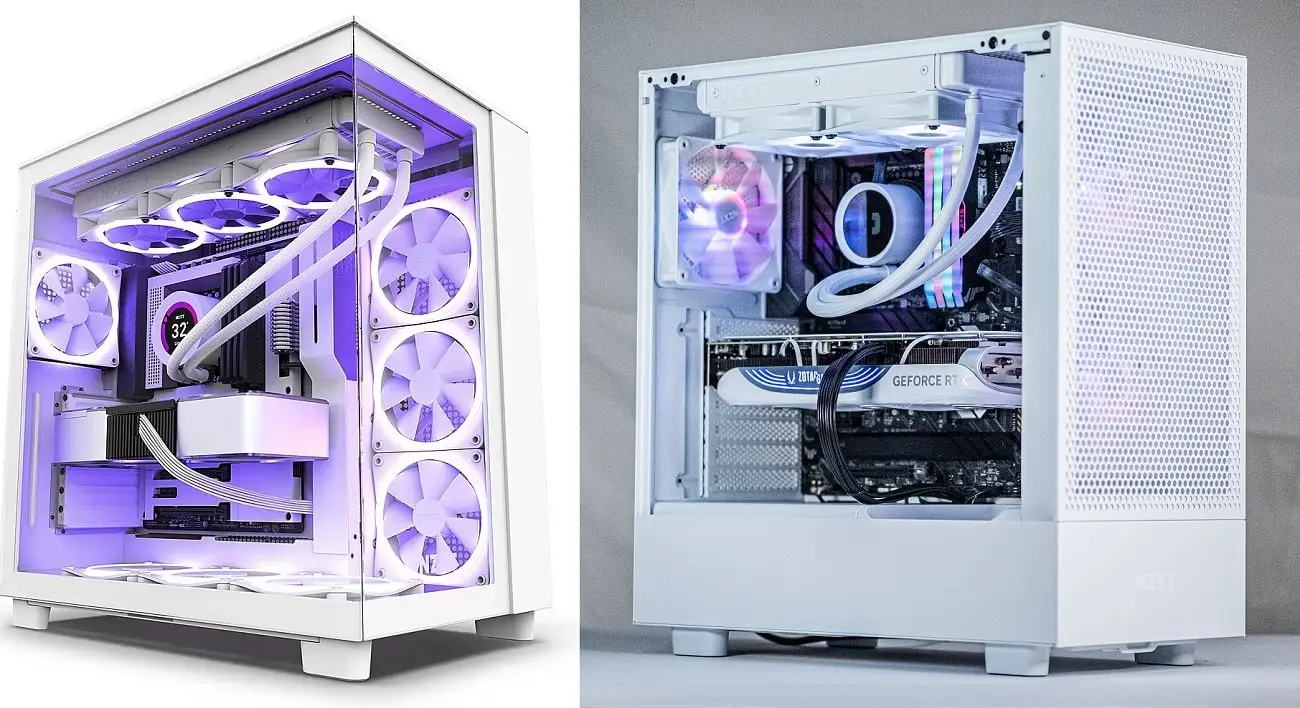



Master Your IELTS And TOEFL Exams With Gabble Ai Buy White Gaming PC UK.webp. 34 Unique Black And White Gaming Setup Ideas With Accessories In 2024 Minimalist Black And White 768x432 . 1000 White Black Gaming PC Build Guide YouTube . Black And White And RGB Ofc Themed Gaming PC For My Sister R Gamingpc . Black And White Gaming PC Build ASUS TUF Gaming GT502 Rog RTX 4090

My Black And White Gaming Pc R . 7 Best Gaming PCs Of 2026 Power Performance And Value Revealed Top Gaming Pcs 2026 1lmv2 . Black And White And RGB Ofc Themed Gaming PC For My Sister Builds Gg 141340 1920 . Black White Gaming PC Ryzen 5 2600 GTX 1070 8GB 16GB 1TB Wi. Meilleur PC Gamer Moins De 1000 Le Comparatif 2026 Cybertek Cover Blog Cybertek PC Gamer Pas Cher En 2026 1200x800


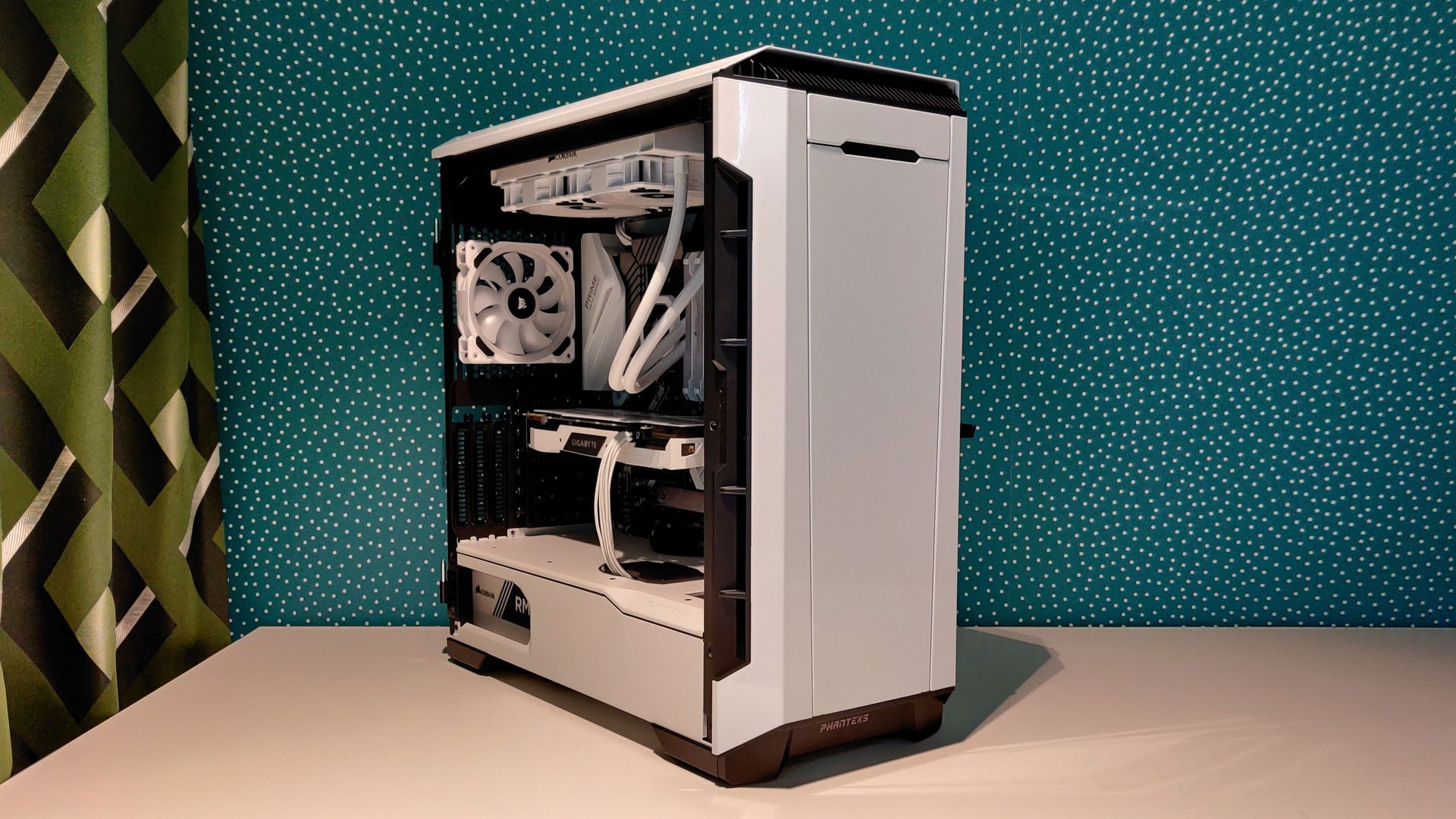

Black And White Gaming PC Time Lapse Build NZXT S340 YouTube . Esgaming Unveils Model 606 Black White PC Case For DIY Gaming And . White Black Pc Setup . Black And White And RGB Ofc Themed Gaming PC For My Sister Builds Gg 141335 1920 . James Most Anticipated PC Games For 2026 Rock Paper Shotgun James Most Anticipated Games
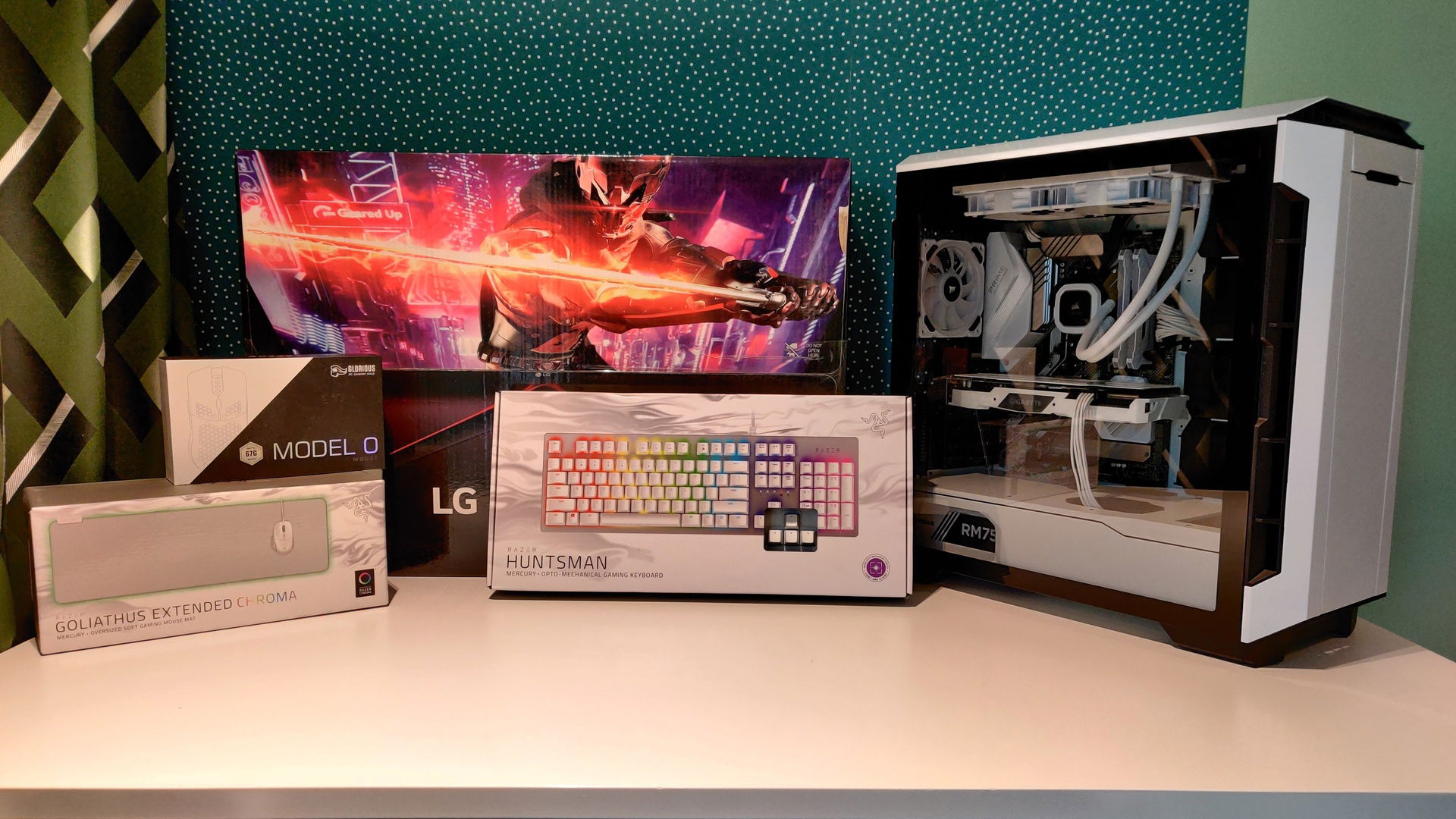
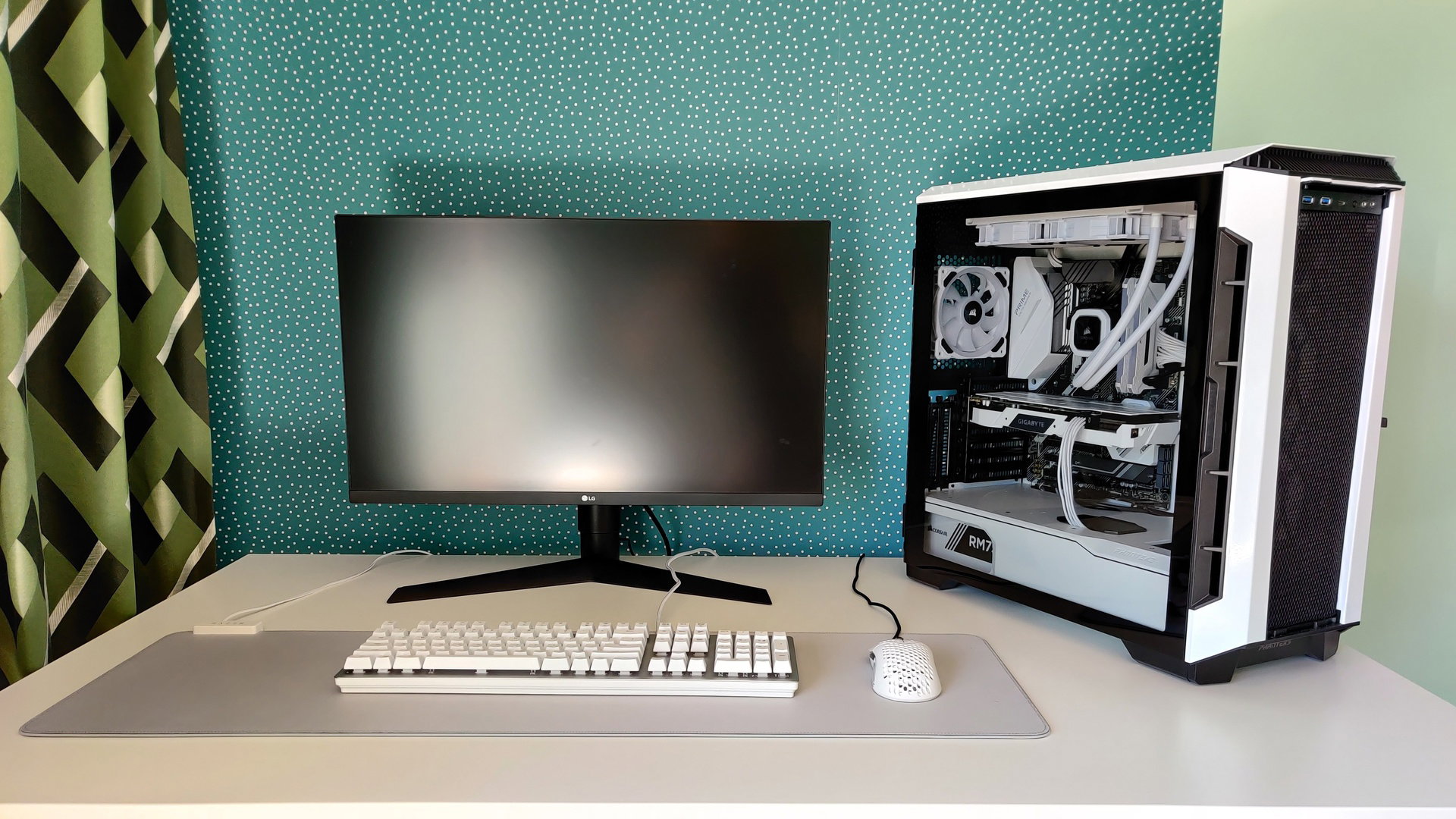


Black And White And RGB Ofc Themed Gaming PC For My Sister Builds Gg 141336 1920 . Black And White And RGB Ofc Themed Gaming PC For My Sister Builds Gg 141337 1920 . Black And White 2 Play Now On GamePix Black And White 2 . Black And White Gaming Pc Perfect For 1080p Gaming And Ok For 1440p. The Gaming PC You Need To Build For 2026