Discover if Roblox is crashed right now with our comprehensive guide for gamers balancing work and play. Learn quick troubleshooting steps, understand common server issues, and find reliable resources to check Roblox server status in real time. This informational article helps you get back to building and socializing fast, optimizing your limited gaming time. We cover everything from local network checks to official outage reports, ensuring you have the latest information. Find out why Roblox might be experiencing downtime, what to do when it happens, and how to prevent future interruptions. Stay informed and keep your gaming experience smooth and fun, without the usual tech headaches. Navigate potential issues with confidence and return to your favorite Roblox worlds quickly, making the most of every precious gaming moment.
What is the first step to check if Roblox is crashed right now
The very first and most reliable step is to visit the official Roblox Status page. This page provides real time updates directly from Roblox regarding any ongoing server issues, maintenance, or outages affecting their various services. You can easily find it with a quick search for "Roblox Status" on Google. If the page shows green lights across the board, the issue might be localized to your setup or internet connection. Always check official sources first to avoid unnecessary troubleshooting.
Why might my Roblox game be crashing but not others
If your Roblox game is crashing while others report no issues, it often points to a problem on your end rather than a widespread server outage. Common culprits include an unstable internet connection, outdated game client or device drivers, insufficient device resources like RAM or storage, or even conflicts with other software running in the background. Sometimes, the specific Roblox experience you are trying to play might have bugs or be overloaded, affecting only that particular game instance. Checking your system resources and internet stability is a good starting point.
How do I clear my Roblox cache to resolve crashes
Clearing your Roblox cache can often fix performance issues and crashes by removing corrupted or outdated temporary files. On PC, you can usually do this by navigating to your AppData folder (C:\Users\[YourUsername]\AppData\Local\Roblox), selecting all files within the Logs and HttpCache folders, and deleting them. For mobile users, clearing the cache is typically done through your device's app settings. Remember to restart Roblox after clearing the cache to ensure the changes take effect. This simple step can surprisingly resolve many persistent crashing problems.
Is Roblox mobile more prone to crashing than PC
While Roblox aims for cross platform stability, mobile devices can sometimes be more prone to crashes due to varying hardware capabilities, background apps consuming resources, and weaker Wi-Fi signals. Mobile operating systems also have stricter memory management that might close apps running in the background. However, modern high end mobile devices offer excellent performance. Keeping your device software updated and freeing up storage can mitigate these issues, bringing the mobile experience closer to PC stability.
Where can I find official Roblox outage updates
Official Roblox outage updates are primarily found on the Roblox Status page, which is linked directly from their main website or easily discoverable via search. Additionally, the official Roblox social media channels, particularly Twitter X, are often used to announce major outages and provide updates to the community. Following these channels is a smart way for gamers to stay informed in real time, especially during unexpected service disruptions. Avoid unofficial sources for critical status information.
What impact do network issues have on Roblox stability
Network issues significantly impact Roblox stability, often leading to disconnections, severe lag, or outright crashes. A weak, unstable, or high latency internet connection can prevent your device from communicating effectively with Roblox servers, causing gameplay interruptions. This is particularly true for busy US households with multiple devices streaming or downloading simultaneously. Troubleshooting your Wi-Fi, using an Ethernet cable, or restarting your router can often improve stability. Roblox requires a consistent connection for seamless social gaming experiences.
Are there any in-game settings that reduce Roblox crashes
Yes, adjusting certain in-game settings can help reduce crashes, especially on less powerful hardware. Lowering the graphics quality level in Roblox settings can significantly decrease the load on your system's GPU and CPU. Disabling certain visual effects or reducing render distance can also improve performance and stability. For mobile users, ensuring power saving modes are off during gameplay can prevent the device from throttling performance. Experiment with these settings to find a balance between visual quality and stable gameplay.
There is nothing quite like settling down after a long day of work and family duties only to find your favorite digital playground, Roblox, is not cooperating. For many US gamers, balancing a career and personal life with their passion for gaming, encountering a sudden crash or outage can be incredibly frustrating. You are not alone in wondering 'is Roblox crashed right now' when your game freezes or you cannot connect. We get it. You carve out precious moments to relax, build, and connect with friends, and tech issues are the last thing you need. According to recent stats, a significant 87 percent of US gamers play regularly, often dedicating 10 plus hours a week, and a substantial portion of that is social and mobile-based, making service interruptions particularly disruptive. This comprehensive guide is designed to help you quickly diagnose, understand, and resolve issues when Roblox seems to be down. We will equip you with practical steps, reliable resources, and insights to get you back into the action, minimizing downtime and maximizing your valuable gaming moments. Forget the endless searching and unreliable fixes; we are here to provide clear, actionable advice that cuts through the noise and helps you troubleshoot like a pro.
Is Roblox crashed right now How to check the server status
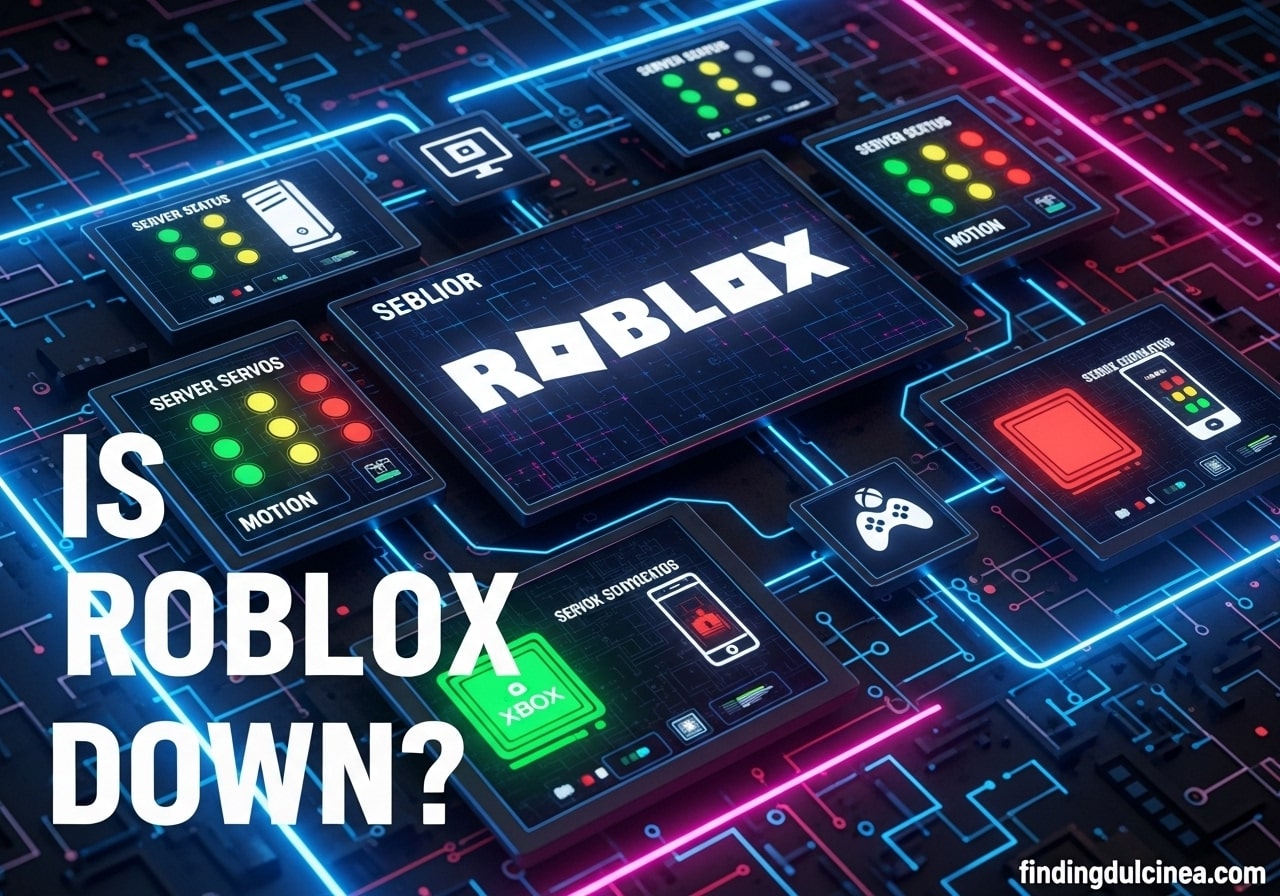
When you suspect Roblox might be experiencing an outage, the first and most crucial step is to verify its official server status. Many busy gamers jump straight to restarting their device, but checking the status page can save you a lot of time. Roblox maintains a dedicated status page that provides real-time updates on its services, including game servers, website functionality, and other critical systems. This is your most authoritative source of information. You can usually find this by searching for 'Roblox Status' on your preferred search engine. If the page indicates all systems are operational, the issue might be on your end. Conversely, if there is a reported outage, you know the problem is widespread and beyond your immediate control.
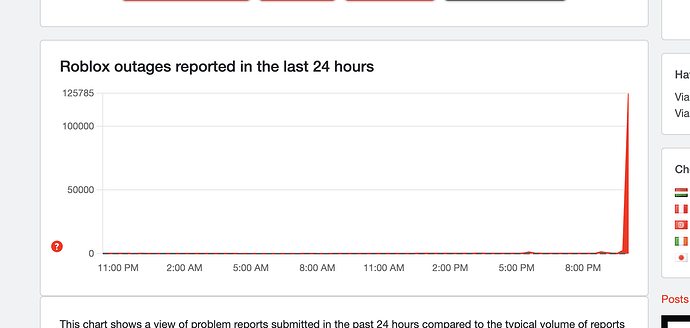
Beyond the official status page, several independent third party websites also track server outages for popular online services. Sites like DownDetector are excellent resources, as they aggregate user reports of issues, providing a crowd sourced view of current problems. A sudden spike in reports for Roblox often signals a widespread issue, even before an official announcement. Checking these sites gives you a broader perspective and helps confirm whether others are experiencing the same frustration as you are. Remember to cross reference with the official page for the most accurate information. These tools are invaluable for gamers who want quick answers without spending too much time troubleshooting when the problem is not theirs.
Why does Roblox crash frequently Understanding common causes
Roblox can crash for a variety of reasons, ranging from server side problems to issues with your local device or internet connection. For US gamers balancing life and play, understanding these causes helps in quick diagnosis. Common server side issues include unexpected surges in player traffic, planned maintenance, or technical glitches in Roblox's infrastructure. On your end, crashes can stem from outdated game clients, corrupt game files, insufficient device resources like RAM or CPU power, or an unstable internet connection. Graphics driver issues, conflicts with other running applications, or even a specific game experience within Roblox being poorly optimized can also trigger crashes. Staying updated on your device's software and drivers is often a key preventative measure.
What are the common signs of a Roblox outage versus a local issue
Distinguishing between a Roblox outage and a problem with your own setup is crucial for efficient troubleshooting. If Roblox is experiencing a widespread outage, you might notice difficulty logging in, constant disconnection from any game, or the Roblox website itself being inaccessible. Often, friends or community members on platforms like Discord will also report similar issues. Conversely, if the problem is local, you might be the only one affected. Signs of a local issue include other online games working fine, slow performance only within Roblox, error messages related to your internet connection, or crashes that only occur within a specific Roblox game. A quick check of the Roblox Status page and DownDetector can help clarify the situation quickly.
How can I fix Roblox if it is crashing on my end Quick troubleshooting steps
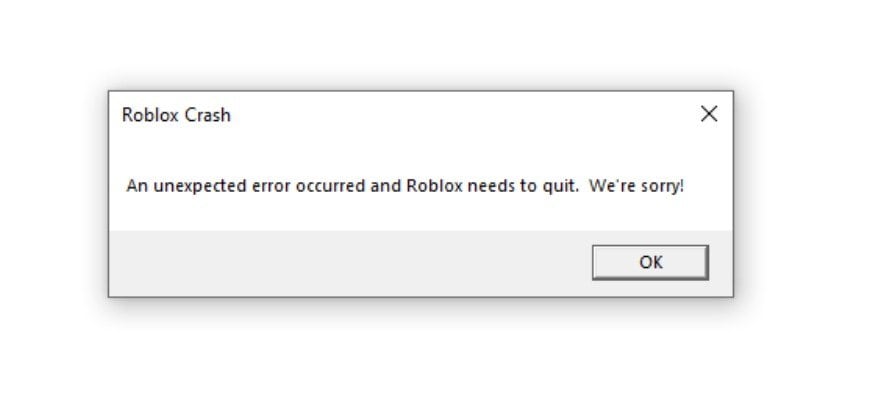
If you have confirmed that the issue is not a widespread Roblox outage, there are several steps you can take to troubleshoot local crashes. First, restart your router and your device to refresh your network connection and clear temporary glitches. Next, ensure your Roblox client and device's operating system are fully updated. Outdated software can often cause compatibility issues. Clearing your Roblox cache files can also resolve problems caused by corrupted data. Check your device's available RAM and storage; insufficient resources often lead to crashes. Finally, temporarily disable any VPNs or firewalls that might be interfering with Roblox's connection. These steps often resolve common crashing scenarios for busy gamers.
Are Roblox server issues impacting all players How to verify widespread problems
When Roblox server issues occur, they can indeed impact a large number of players, sometimes globally. To verify if a problem is widespread, beyond checking the official Roblox Status page, engage with the broader gaming community. Social media platforms like X (formerly Twitter) and Reddit are hubs where gamers quickly report outages. Search for 'Roblox down' or 'Roblox not working' and observe if there is a surge in similar complaints. If thousands of players are posting about the same issue, it is highly likely a widespread server problem. This collective feedback is invaluable for busy gamers who need to know if they should wait for a fix or troubleshoot their own system. Remember, a massive influx of reports usually means it is not just you.
When should I contact Roblox Support for issues How to get help effectively
You should contact Roblox Support if you have exhausted all basic troubleshooting steps and confirmed that the issue is not a widespread outage. Before reaching out, gather as much detail as possible: describe the problem precisely, note any error messages you receive, mention the device you are using, and list the troubleshooting steps you have already tried. Providing screenshots or video clips can also be incredibly helpful. Visit the official Roblox Support page to submit a ticket. Be patient, as response times can vary. For gamers juggling life's demands, providing comprehensive information upfront can expedite the support process and get you back to gaming faster.
What resources help me stay updated on Roblox status Beyond official pages
While the official Roblox Status page is paramount, several other resources can help you stay current on potential outages and performance issues. Community forums, dedicated subreddits like r/roblox, and popular Discord servers for Roblox players often have active discussions about server performance. News outlets focused on gaming can also report on major outages. However, always cross-reference information from unofficial sources with the official Roblox channels to ensure accuracy. Third-party sites like DownDetector also provide valuable crowd sourced reports, showing real-time spikes in user-reported issues. Leveraging a combination of these resources provides a comprehensive overview for staying informed.
How do I optimize my setup to prevent Roblox crashes Practical tips for stable play
Optimizing your gaming setup is key to preventing Roblox crashes, especially for gamers who want reliable performance without major hardware upgrades. First, ensure your internet connection is stable; a wired Ethernet connection is always superior to Wi-Fi if possible. Keep your device's operating system, graphics drivers, and the Roblox client consistently updated. Regularly clear your temporary files and Roblox cache. Close unnecessary background applications that consume RAM and CPU resources. Within Roblox, consider lowering graphics quality settings, especially if you have an older machine or a mobile device. These proactive steps can significantly enhance stability and reduce unexpected crashes, allowing you to maximize your limited gaming time.
Can mobile device issues cause Roblox to crash more often Addressing handheld problems
Mobile devices, while incredibly convenient for gaming on the go, can sometimes be more susceptible to Roblox crashes due to unique factors. Variances in hardware specifications across numerous phone models, limited RAM, and background app activity can all contribute to instability. Overheating, low battery mode, or an unstable mobile data connection can also trigger crashes. To mitigate this, ensure your mobile device's OS and the Roblox app are always updated. Close all other apps running in the background before playing. Play on a strong Wi-Fi connection whenever possible, and keep your device charged. Adjusting in-game graphics settings to a lower level can also drastically improve performance and reduce crashes on mobile, ensuring a smoother experience for the 60% of US gamers who play on mobile devices.
What should I do if my game progress is lost due to a crash Data recovery advice
Losing game progress due to a Roblox crash is incredibly frustrating, especially after dedicating valuable time. While Roblox usually saves progress automatically, some in-game experiences might rely on local saves or specific checkpoints. If you believe progress was lost due to a crash, first restart the game and see if it recovers. Check if the specific Roblox experience you were playing has a customer support channel or a community where you can report issues. For persistent or significant data loss directly linked to a Roblox platform error, contact Roblox Support with detailed information about the incident. Unfortunately, full data recovery is not always guaranteed, but reporting the issue can sometimes lead to resolution or at least help prevent future occurrences.
Navigating the occasional bumps in the road, like a Roblox crash, is part of the online gaming experience. As gamers who juggle jobs, families, and life, your time is precious, and getting back into your favorite worlds quickly is key. By understanding how to check official statuses, troubleshoot common issues, and leverage community resources, you can minimize frustrating downtime and maximize your enjoyment. Remember, staying informed and prepared makes all the difference. Hopefully, this guide has given you the tools to confidently answer 'is Roblox crashed right now' and quickly resolve any issues you encounter.
What is your biggest gaming challenge when balancing it with life? Comment below and share your thoughts. We are always looking for ways to make gaming smoother for our community!
Is Roblox completely free to play
Yes, Roblox is fundamentally free to download and play, offering access to millions of user-created experiences without an initial cost. While many games within Roblox are free, it does offer in-game purchases like Robux, its virtual currency, which players can use to buy cosmetic items, game passes, and access premium experiences. This model allows for extensive gameplay without mandatory spending, making it accessible to a wide audience.
How important is internet speed for Roblox stability
Internet speed is moderately important for Roblox stability, but consistency and low latency are often more critical than raw bandwidth. A stable connection ensures smooth communication between your device and Roblox servers, preventing lag and disconnections. Even with high speeds, an inconsistent Wi-Fi signal or high ping can cause issues. For optimal performance, aim for a reliable connection with minimal packet loss, crucial for uninterrupted social gaming.
Can a VPN affect Roblox performance and cause crashes
Yes, a VPN can potentially affect Roblox performance and even cause crashes. While VPNs offer privacy and security, they route your internet traffic through external servers, which can introduce additional latency and sometimes reduce connection stability. If you experience crashes or lag only when your VPN is active, try disabling it to see if performance improves. Some VPNs might also interfere with game anti cheat systems, leading to unexpected disconnections.
What is the average playtime for US gamers on Roblox
While exact figures vary, US gamers, particularly younger demographics, often spend significant time on Roblox. For the broader US gaming population, an average of 10 plus hours per week is common across various platforms, with mobile gaming dominating much of this activity. Roblox's social and creative aspects encourage extended engagement, with many adult gamers also finding it a relaxing way to unwind and connect with friends or family after work.
Are there any specific system requirements to run Roblox smoothly
Yes, Roblox has minimum and recommended system requirements for smooth gameplay. For PC, this typically includes a relatively modern processor, at least 4 GB of RAM, and a graphics card supporting DirectX 10 or higher. For mobile, a device running iOS 9 or Android 4.4 and newer with decent processing power is usually sufficient. Meeting or exceeding these requirements helps prevent performance issues and crashes, ensuring an enjoyable experience.
Roblox server status checks common crash causes effective troubleshooting steps official support resources community updates performance optimization tips network diagnostics
35


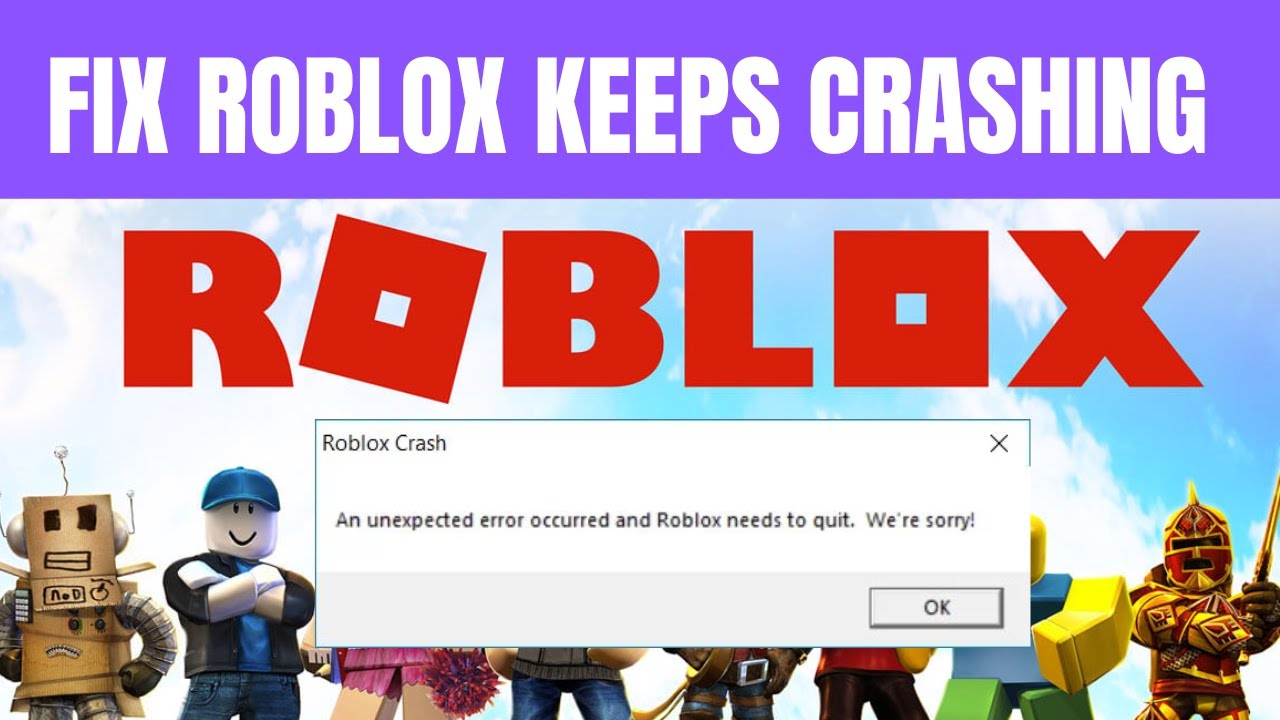
Is Roblox Crashing Right Now What You Need To Know Roblox Keeps Crashing . Is Roblox Crashing Right Now What You Need To Know Roblox Keep Crashing . FIXED Roblox Keeps Crashing FIX Roblox Keeps Crashing . Is Roblox Crashing Right Now What You Need To Know . How To Fix Roblox Crashing TUTORIAL YouTube

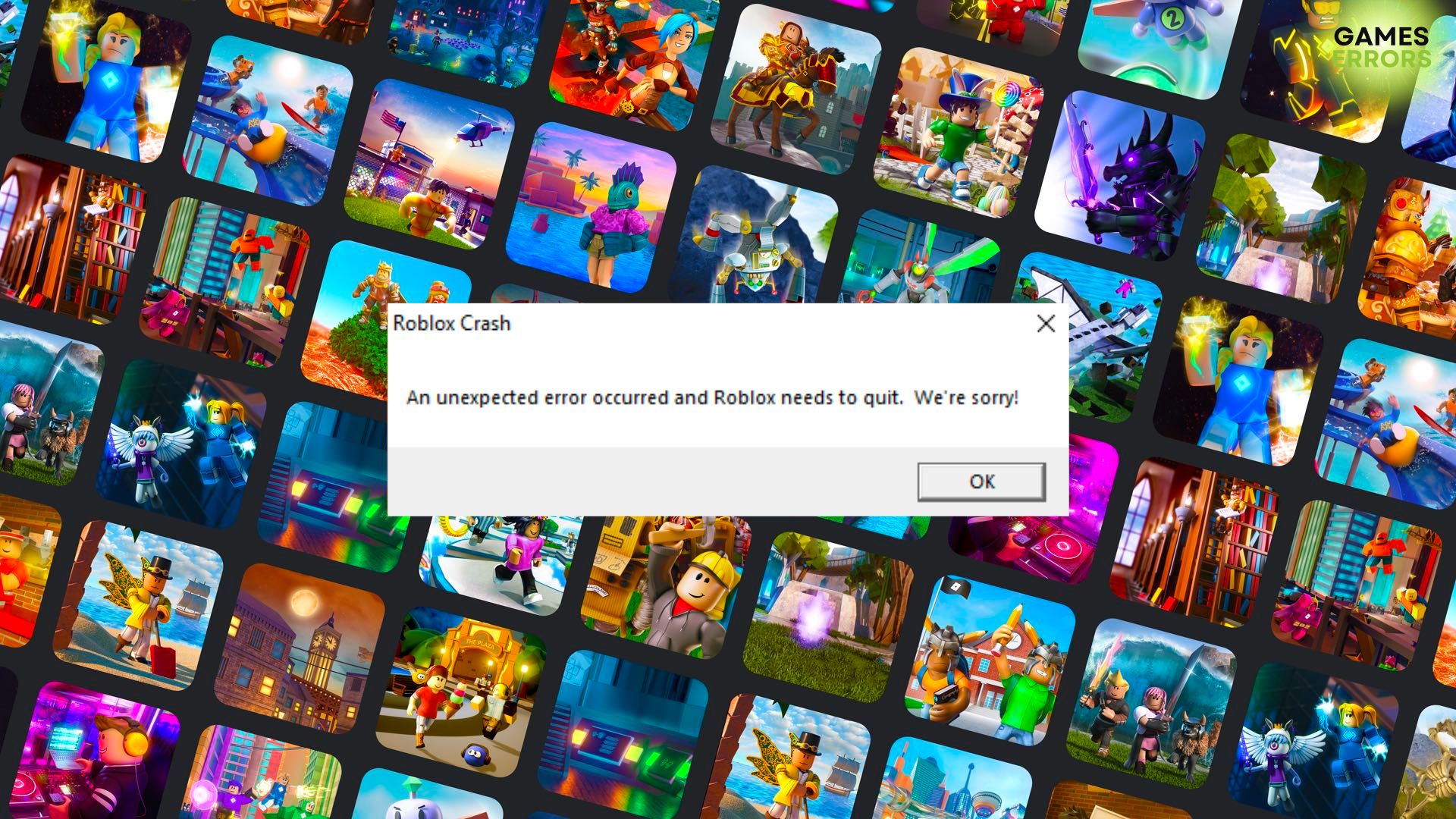
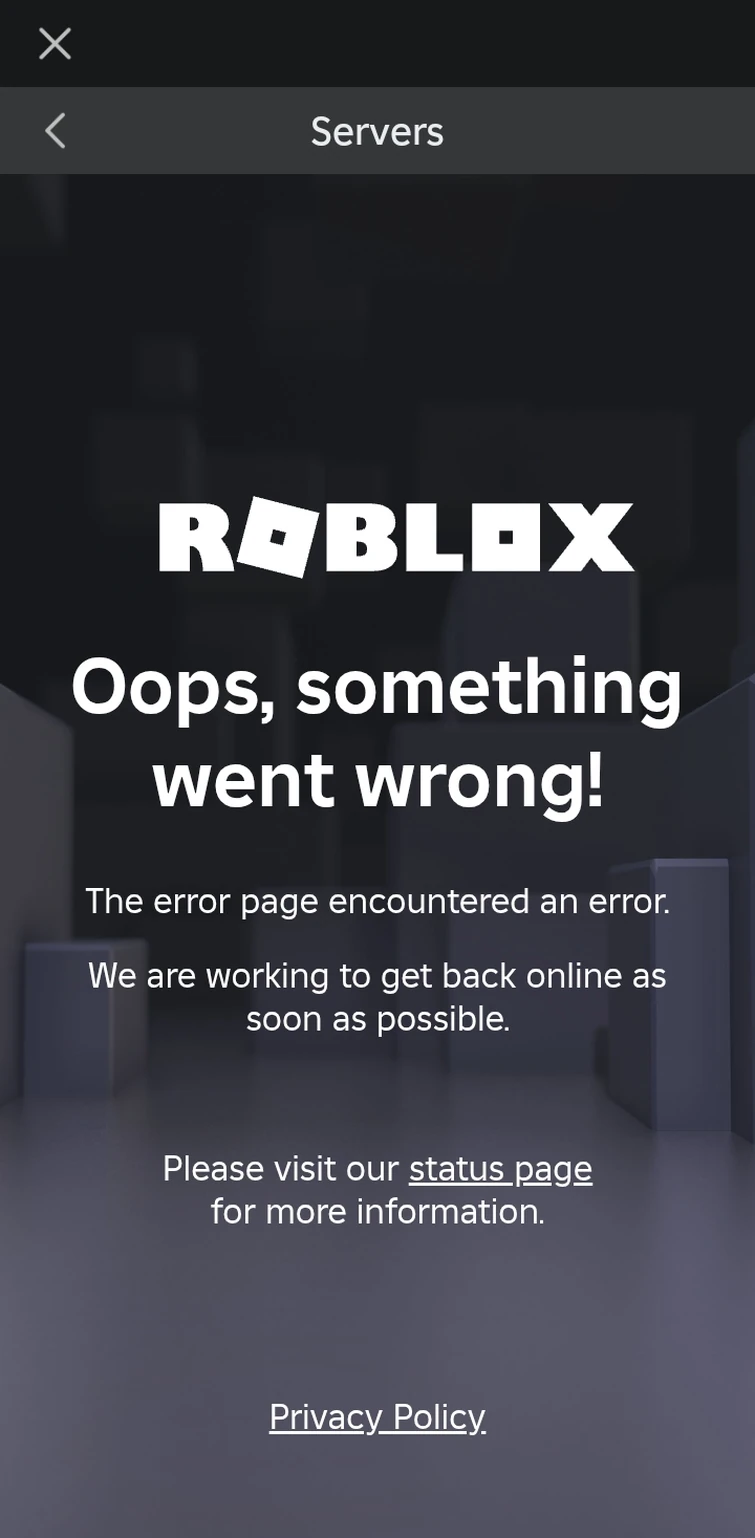
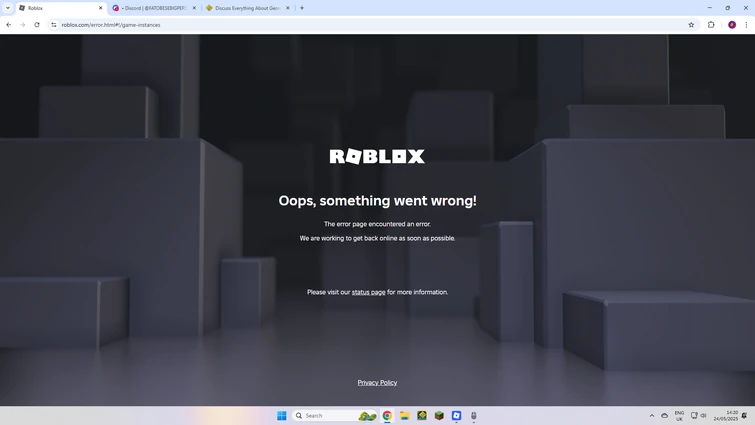
Is Roblox Down Check Server Status In June 2026 Live Updates Is Roblox Down . Roblox Crash Help R RobloxHelp Roblox Crash Help V0 . Roblox Keeps Crashing 9 Efficient Ways To Fix It Roblox Keeps Crashing . Roblox Crashed Right Now Fandom 755. WE CRASHED ROBLOX Fandom 755
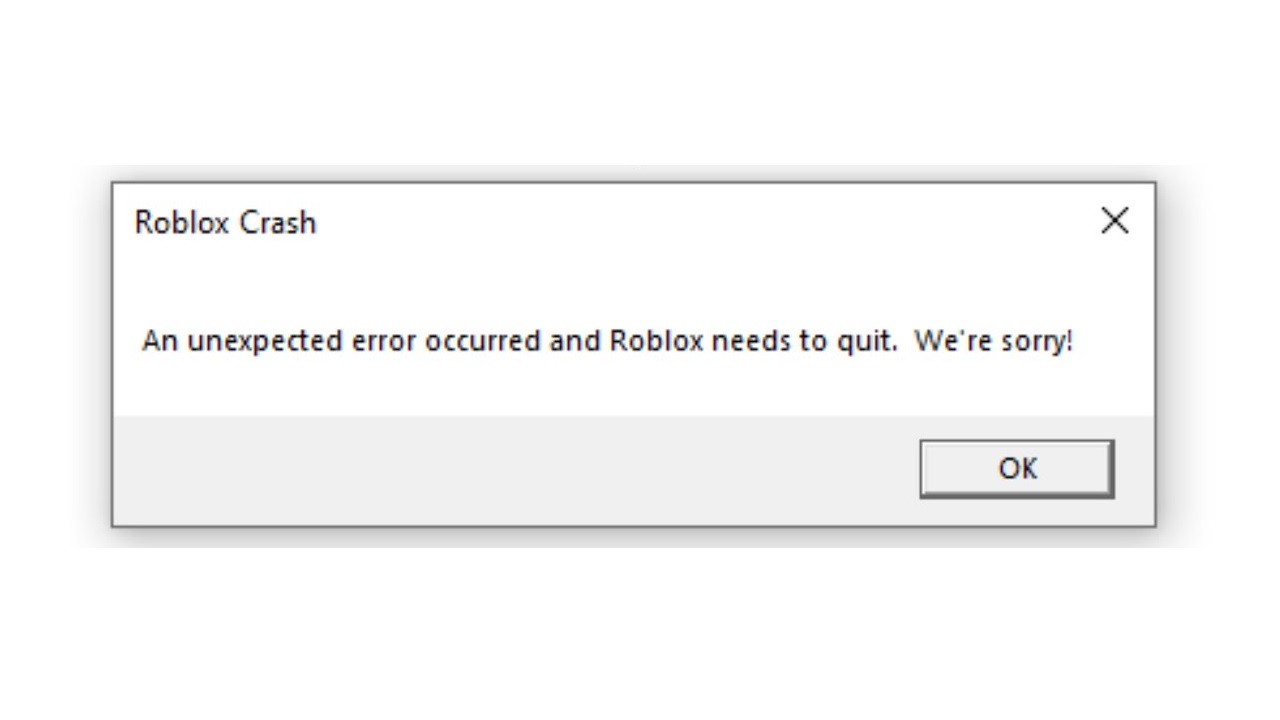

Why Are Roblox Games Crashing Find Out Now Roblox Crashing Crash Error . Roblox Is Down Right Now January 5 2026 Beebom Roblox Is Down Server Status . Build The Ultimate Piggy Empire In Roblox Right Now. Escape The Worst Roblox Daycare Right Now. Driver AsIO Sys Cannot Be Loaded 3 Useful Methods Here Roblox Crashed Because Of Software Thumbnail



Roblox Plus Launches New 4 99 Tier Replaces Premium As DevEx Rates Soar Roblox Plus Screenshot X Post . Roblox Is Down Right Now January 5 2026 Beebom Roblox Shutting Down In 2024 Cover . How To Fix Roblox Crashing Roblox Crash Fix YouTube . Roblox How To Fix Roblox Crash Crashing Complete Guide YouTube . ROBLOX IS DOWN SERVERS CRASHING YouTube


How To Stop Roblox Crashing Fix Roblox Crash Updated 2024 YouTube . Why Does Roblox Keep Crashing On My PC Possible Reasons Workarounds E4d21 1920 . Fix Common Roblox Issues On Windows 10 How To Fix Roblox Not Launching . Is Roblox Crashed Right Now Ki M Tra T Nh Tr Ng V C C S C Th Ng G P Hq720 . Roblox Is Unusable Right Now Roblox Application And Website Bugs 2 690x328


How To Fix Roblox Keeps Crashing On PC 2025 New . How To Resolve Roblox Crashing Issues Easily 10 Roblox Crashing 2 . Is Roblox Down January 16 2026 Roblox Down DesignTAXI Image . How To Fix Roblox Crashed From Software EASY FIX YouTube . Roblox Is Back Online Following A Two Hour Outage That Left Thousands 90830337 13958233 While Roblox Is Yet To Comment On The Issue Several Users Have F A 28


How To Stop Roblox Crashing Fix Roblox Crash Step By Step YouTube . How To Fix Roblox Crashing Easy Step By Step YouTube . Did Roblox Crash Right Now T Nh Tr Ng S C H Ng D N Kh C Ph C V Hq720 . How To STOP ROBLOX From CRASHING Fix Roblox Crash Issue 2025 Guide . Is Roblox Down Right Now Current Server Status 2021 Roblox