Dive into the exciting world of gaming on Apple Vision Pro and discover if Apples spatial computer is truly a next-gen gaming platform. This comprehensive guide explores the current gaming capabilities available to users right now. We cover native VisionOS games immersive Apple Arcade titles streamed experiences and even how to potentially leverage your existing PC or console games through mirroring or virtual desktop solutions. Learn about the types of games that thrive on the Vision Pro its unique input methods the visual fidelity and the overall gaming experience. Whether you are a casual gamer seeking new ways to relax after a long day or a hardcore enthusiast curious about the future of immersive play this article provides essential insights into maximizing your Apple Vision Pro for gaming. Understand the current limitations and exciting future potential ensuring you make informed decisions about your spatial computing gaming journey.
Can you play AAA games on Apple Vision Pro?
Currently, you cannot play AAA games natively on Apple Vision Pro like you would on a dedicated PC or console. The Vision Pro is a spatial computer, not a gaming console, and its native game library is still developing with experiences designed for spatial interaction. However, you can stream PC AAA games to your Vision Pro using virtual desktop applications like Immersed or Steam Link. This projects your PC game onto a massive virtual screen, providing an immersive big-screen experience, though it's still running on your PC, not the Vision Pro's hardware directly.
Is Apple Vision Pro good for competitive gaming?
Apple Vision Pro is generally not ideal for competitive gaming at this stage. While its display is incredibly sharp, the primary input method of eye-tracking and hand gestures, or even an external Bluetooth controller, lacks the ultra-low latency and tactile precision required for high-stakes competitive play. The nascent game library also means few titles are designed with competitive esports in mind. For casual or immersive single-player experiences, it excels, but serious competitive gamers will find traditional platforms more suitable for now.
What kind of controllers work with Apple Vision Pro for gaming?
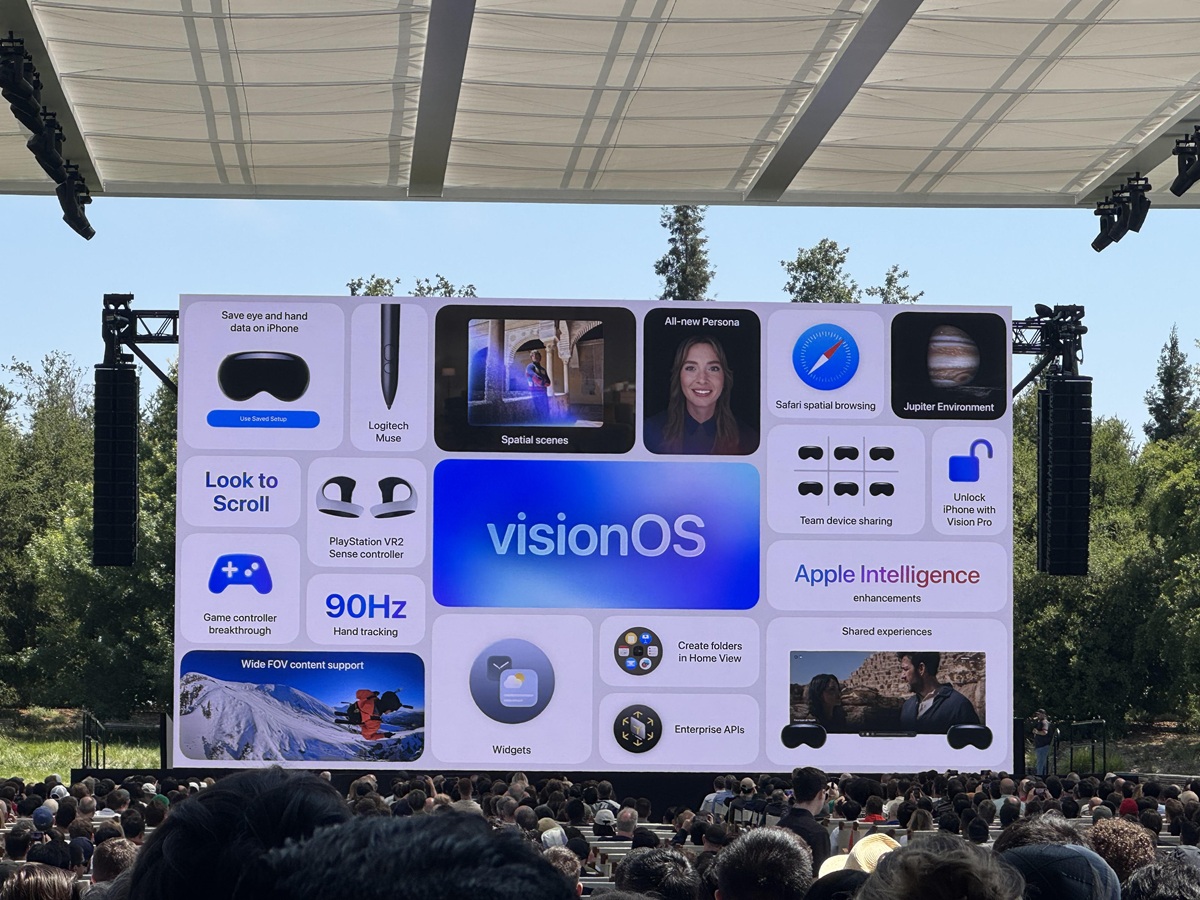
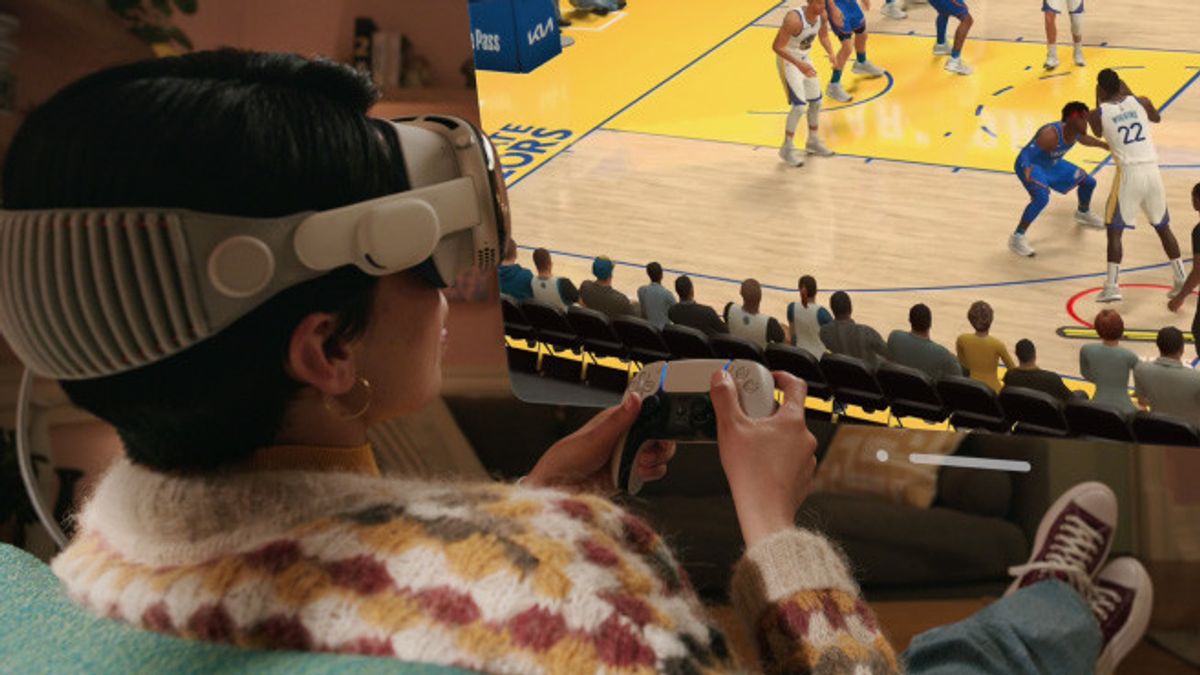
Apple Vision Pro supports a wide range of Bluetooth gaming controllers. This includes popular options like the PlayStation DualSense, Xbox Wireless Controller, and various MFi (Made For iPhone/iPad) certified controllers. Connecting a controller is straightforward via the Vision Pro's Settings app. While many native VisionOS games leverage hand gestures and eye tracking, a physical controller significantly enhances the experience for Apple Arcade titles and streamed PC/console games, providing familiar and precise input for traditional gameplay.
How does Apple Vision Pro compare to VR headsets for gaming?
Apple Vision Pro is distinct from traditional VR headsets, which are primarily gaming-focused. Vision Pro emphasizes spatial computing, blending digital content with your real environment, offering advanced pass-through video, and high-resolution displays for both productivity and immersive entertainment. While it can deliver VR-like gaming experiences, its current game library is smaller and more experimental compared to established VR platforms like Meta Quest or PC VR. Vision Pro prioritizes seamless integration with the Apple ecosystem and unique spatial interactions, whereas VR headsets are built first and foremost for deep virtual world gaming.
Are there any free-to-play games available on Apple Vision Pro?
Yes, there are free-to-play games available on Apple Vision Pro, primarily through the App Store's existing catalog of iOS and iPadOS games that are compatible with VisionOS. Many popular free-to-play mobile titles can be launched and played as floating 2D windows in your spatial environment. Additionally, some developers may release native VisionOS experiences that are free, either as demos or full titles. To find them, simply browse the App Store on your Vision Pro and filter by free applications, similar to how you would on other Apple devices.
Can I use my existing Steam VR library with Apple Vision Pro?
While Apple Vision Pro doesn't natively support Steam VR, you can access your existing Steam VR library through third-party virtual desktop streaming applications. Tools like Immersed or other similar apps allow you to wirelessly stream your PC's desktop (and thus Steam VR games) to your Vision Pro. This creates a virtual display where you can interact with your PCVR games. However, it's an indirect method and performance can vary depending on your network and PC hardware. It requires your PC to run the VR game, with the Vision Pro acting as an external display and input receiver.
What are the system requirements for streaming PC games to Apple Vision Pro?
To effectively stream PC games to your Apple Vision Pro, you'll need a robust setup. Your PC should have a capable gaming CPU (e.g., Intel Core i5/Ryzen 5 or better), a modern dedicated GPU (e.g., NVIDIA RTX 2060/AMD RX 6600 XT or better) for smooth frame rates, and a strong Wi-Fi 6 or Wi-Fi 6E network connection to minimize latency. A wired Ethernet connection for your PC is highly recommended for stability. The Vision Pro itself manages the display and input receiving, but the actual game processing power comes entirely from your gaming PC. Higher-end PC specs will result in a much smoother and more enjoyable streamed experience.
Alright fellow gamers, let's talk about the big question on everyone's mind: can you play games on Apple Vision Pro? We all know that balancing work, family, and life leaves us precious little time for gaming. When we do get a moment, we want it to be relaxing, fun, and maybe even a little bit skill-building. We're not just looking for hype; we're looking for real value, performance, and ways to stay current without breaking the bank or wasting our limited gaming hours on setup headaches.
You've probably seen the sleek ads for Apple Vision Pro, Apple's foray into spatial computing. It looks futuristic, innovative, and incredibly immersive. But is it a true gaming device, capable of delivering the experiences we crave, or just another tech gadget that dabbles in gaming? For the average US gamer, who spends around 10 hours a week immersed in digital worlds, often across mobile and PC/console, the question of whether Vision Pro can integrate into their existing routines is crucial. We're talking about folks like you and me, who want to unwind with a good game after a long day, connect with friends online, or even chase those skill-building highs, all while managing life's demands. This guide cuts through the noise to give you practical answers, highlight the current gaming landscape on Vision Pro, and help you decide if Apple's spatial computer fits into your gaming lifestyle.
We're going to dive deep into what's available now, how it performs, and what the future might hold. We'll address common concerns like game recommendations for limited time, performance issues, and how to get the most out of your investment, ensuring you can make informed decisions about this exciting new platform. Let's explore how you can play games on Apple Vision Pro and if it's the right fit for your gaming needs.
What Kind of Games Can You Actually Play on Apple Vision Pro Right Now?
When you first put on an Apple Vision Pro, the gaming possibilities might feel a bit different from what you're used to on a PC or console. The device, at its core, runs VisionOS and is designed for spatial computing. This means games are built to interact with your real-world environment or create fully immersive virtual spaces. Right now, you can play several types of games, offering a varied experience for different gamer preferences.
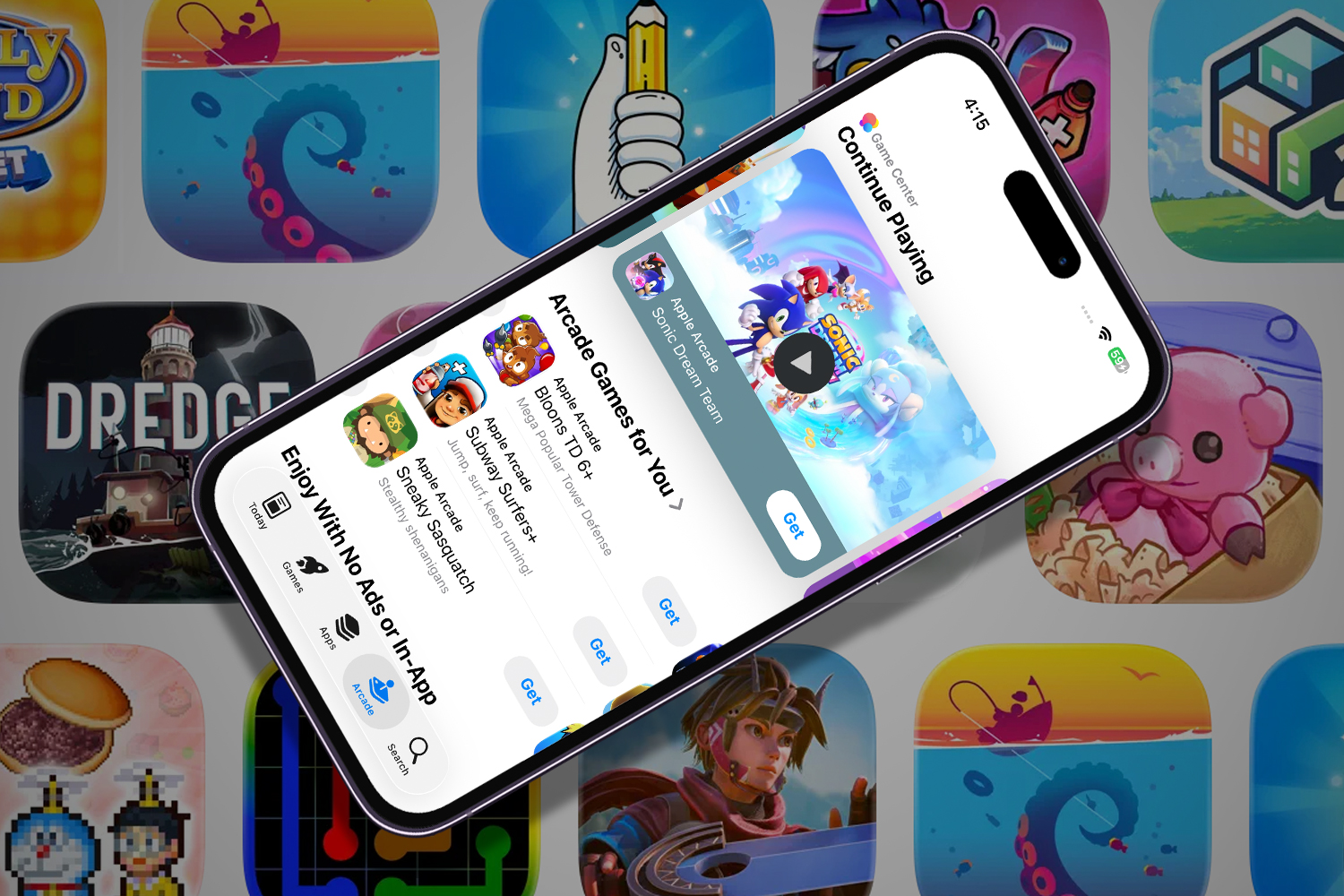
Firstly, there are **native VisionOS games**. These are applications specifically developed to leverage Vision Pro's unique capabilities, like eye-tracking and hand gestures, and its ability to blend digital content with your physical surroundings. Think of experiences that transform your living room into a battlefield or a puzzle room. The library is growing, with developers experimenting with entirely new forms of interactive entertainment. Secondly, **Apple Arcade games** are largely accessible. Many titles from Apple's popular subscription service, originally designed for iPhone, iPad, and Mac, can be played on Vision Pro. These often appear as floating 2D windows in your space, much like watching a movie on a giant screen. While not fully immersive, it offers a familiar, high-quality gaming experience with controller support. Finally, you can **stream games from other platforms**. This includes using third-party apps to stream PC VR games or even traditional PC and console games via virtual desktop solutions. This allows you to effectively play your existing library on a massive virtual screen or within an emulated VR environment, expanding your options significantly.
Is Apple Vision Pro a True Gaming Console or a Spatial Computer with Gaming Features?
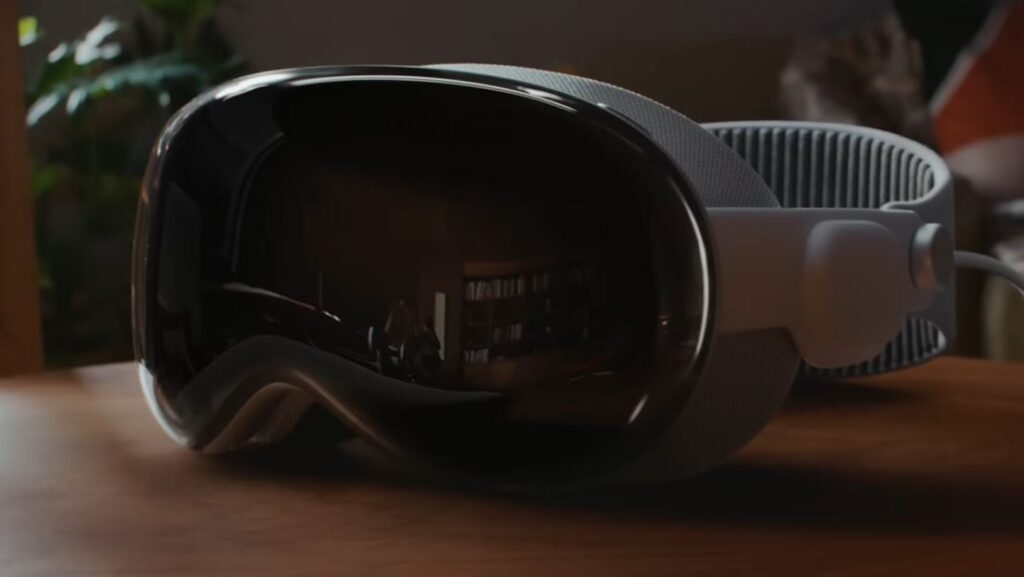
This is a critical distinction for many gamers. Historically, consoles like PlayStation or Xbox, and dedicated gaming PCs, are purpose-built machines where gaming is the primary function. The Apple Vision Pro, however, is unequivocally a **spatial computer**. Its design brief focuses on productivity, communication, and immersive entertainment through its unique operating system, VisionOS, which blends digital content with your physical space.
While it undeniably offers gaming capabilities, it isn't a gaming console in the traditional sense. It doesn't have a dedicated controller bundled with it, nor is its primary App Store filled predominantly with games like Steam or console marketplaces. Instead, gaming is one facet of its broader spatial computing experience. This means that while it provides impressive hardware for rendering immersive graphics, its software ecosystem and user interface prioritize tasks beyond just gaming. For busy adults who balance gaming with life, this means adapting to new interaction methods and understanding that the gaming library, while growing, isn't as vast or gaming-centric as dedicated platforms. It's more akin to a powerful tablet or computer that *can* play games, rather than a specialized gaming rig, similar to how many modern gamers use their mobile devices for gaming between other tasks.
How Does the Vision Pro's Unique Input System Impact Gameplay?
The Apple Vision Pro throws traditional controllers out the window for many experiences, opting instead for a highly intuitive and futuristic input system: **eye tracking and hand gestures**. This fundamentally changes how you interact with games, for better or for different. Imagine navigating menus by simply looking at an option and selecting it with a subtle pinch of your fingers. This direct, almost telepathic interaction can feel incredibly natural and immersive, reducing the friction often associated with learning complex button layouts.
For games designed around this input, it offers unparalleled precision and a sense of direct manipulation. Point-and-click adventures, spatial puzzle games, and experiences where you physically interact with virtual objects in your room become incredibly engaging. However, for fast-paced action games, first-person shooters, or competitive multiplayer titles that demand rapid, precise movements, this system can present a learning curve. Many gamers, especially those used to the tactile feedback and muscle memory of a gamepad or keyboard and mouse, might find the lack of physical buttons challenging for certain genres. Fortunately, Vision Pro does support external Bluetooth controllers, which is a godsend for many Apple Arcade titles and streamed experiences. This allows players to choose the input method best suited for their game, offering flexibility for both innovative spatial experiences and traditional gaming comfort.
What Are the Best Apple Vision Pro Games for Casual and Busy Gamers?
For gamers juggling jobs, families, and other responsibilities, time is a precious commodity. The best games for Apple Vision Pro are those that respect that time, offering engaging experiences without demanding huge commitments. Many US gamers aged around 36 often gravitate towards mobile-friendly or quick-session games, and Vision Pro offers excellent options in this vein.
When looking for native VisionOS titles, focus on experiences that leverage the spatial aspect for puzzles, exploration, or short, impactful sessions. Games like **Job Simulator** (if ported or similar spatial experiences emerge) or interactive narratives are perfect. They often allow for flexible playtimes, letting you jump in for 15-30 minutes and feel like you've accomplished something. For those who enjoy their existing Apple Arcade library, titles like **What the Golf?**, **Sayonara Wild Hearts**, or even **Stardew Valley** can be projected onto a massive virtual screen, providing a familiar and enjoyable experience without requiring new control schemes. These are fantastic for unwinding after a long day, offering a blend of relaxation and fun. Social games or those with light co-op elements are also gaining traction, allowing busy friends to connect even if only for brief sessions. The key is to look for games that offer clear save points, flexible progression, and intuitive controls, minimizing setup time and maximizing immediate enjoyment.
Can You Stream PC or Console Games to Your Apple Vision Pro?
Absolutely, and this is a game-changer for many who are asking,
Apple Vision Pro supports native VisionOS games, immersive Apple Arcade titles, and streamed PCVR games. It offers unique spatial interactions and high-resolution displays for gaming. Current limitations include a nascent game library and high cost, but the potential for future immersive gaming is significant. Users can also access traditional games via screen mirroring and virtual desktops.
35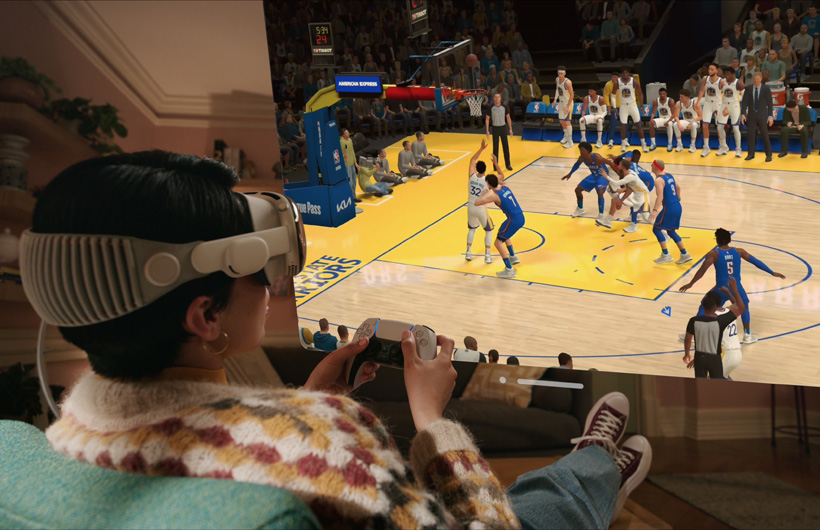
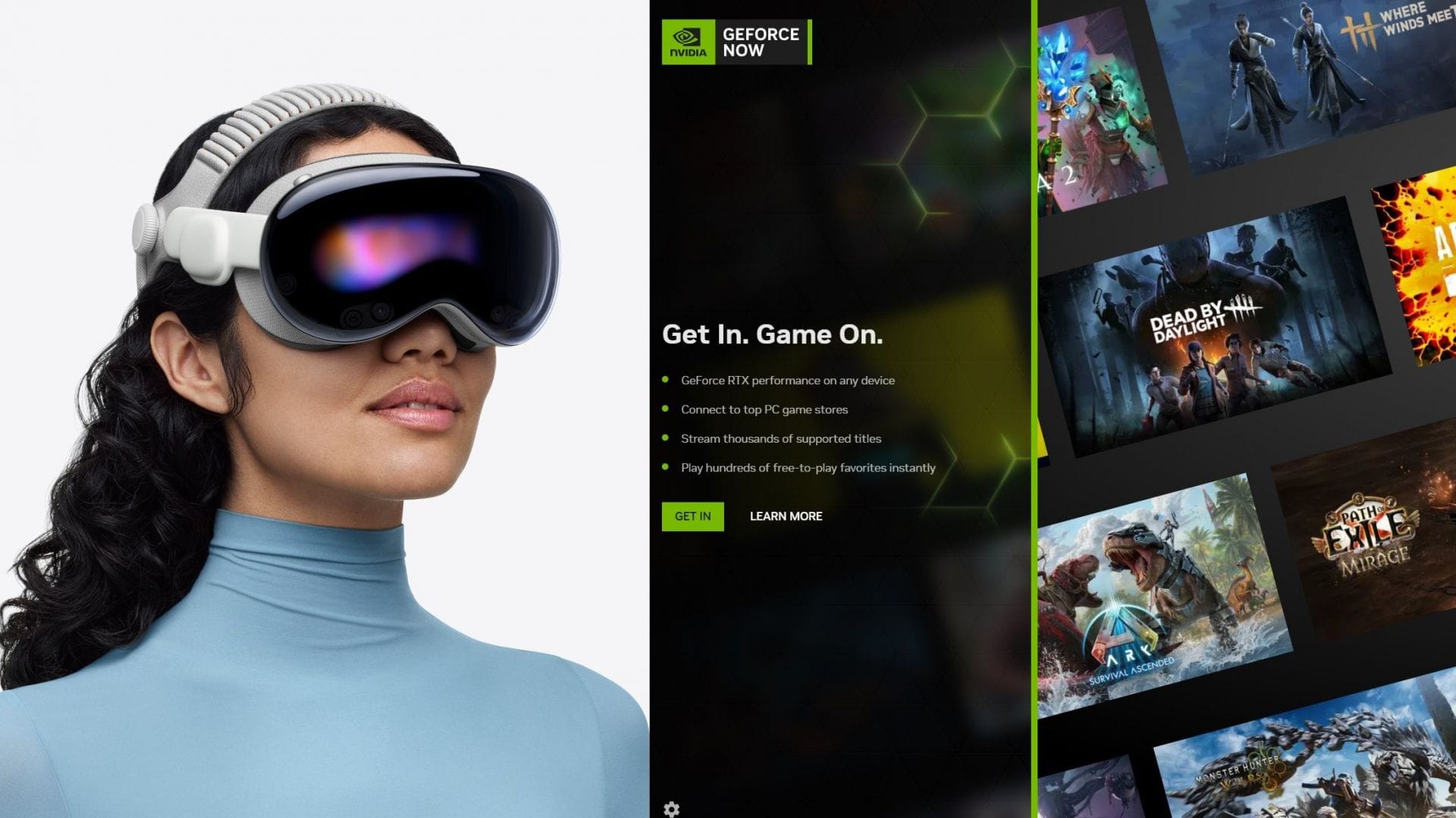
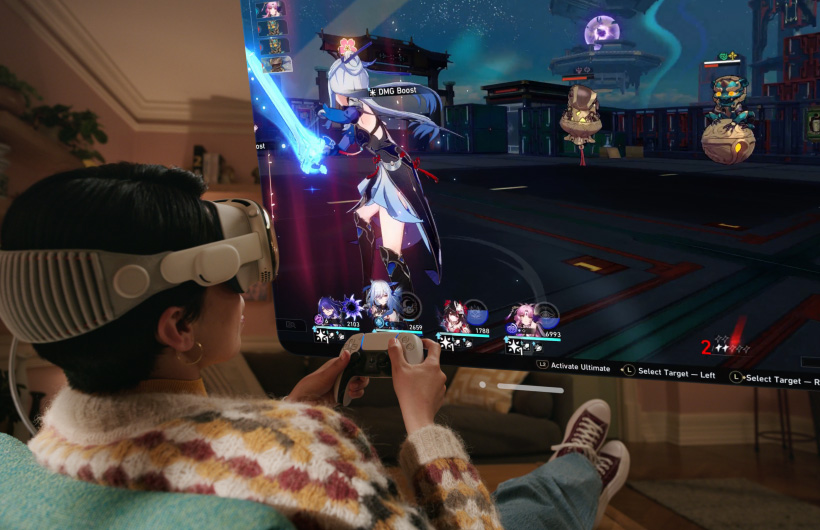
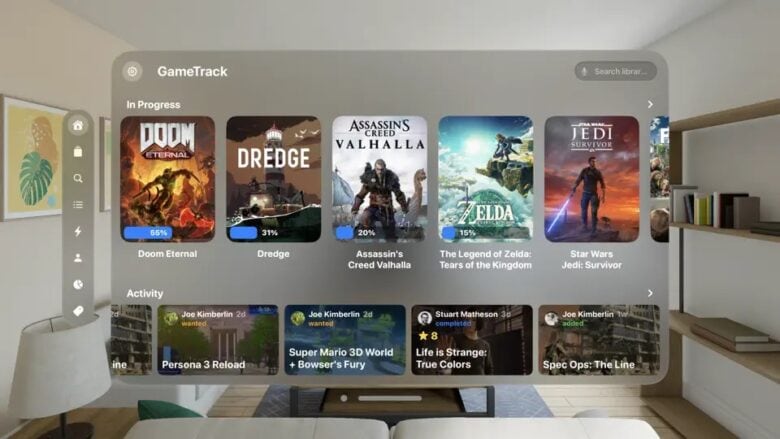

Apple Vision Pro Apple CA Gaming Large . How To Play PC Games On Apple Vision Pro Smoothly With Updated NVIDIA 50e79 1920 . Apple Vision Pro Apple HK Gaming Large . Here Are All The Best AR Apps And Games For Vision Pro Cult Of Mac Image 8 780x439 . Apple VisionOS 26 Brings New Experiences To Vision Pro Headsets Mashable Images 7.fill.size

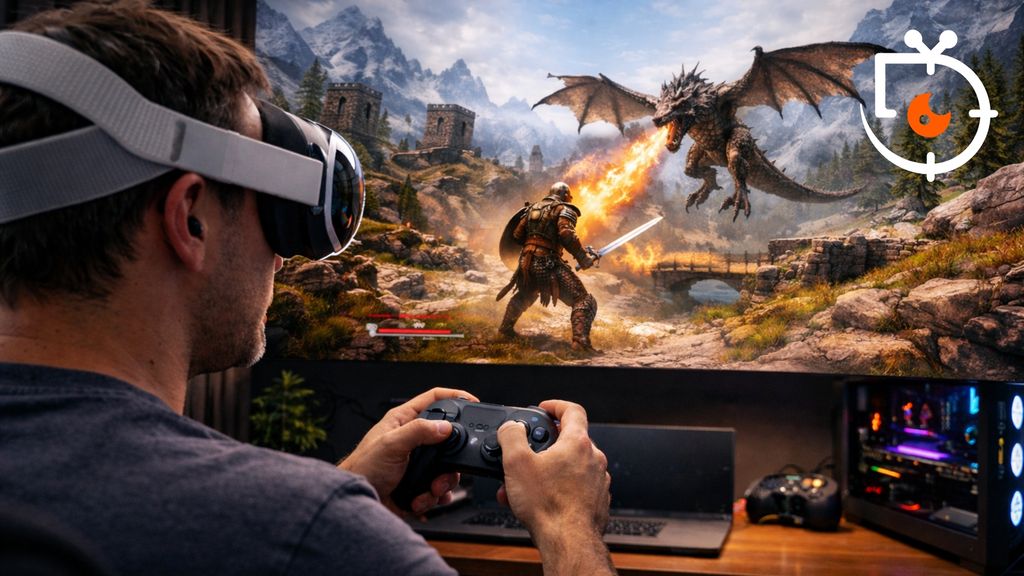


Top 5 Vision Pro Games 1 Apple Arcade Edition YouTube . Steam Link On Vision Pro Allows You To Play Games From Steam In 4K And Steam Machine 2026 04 08t115320 560 . Apple Vision Pro Free Mac Or PC Wallpaper 4K HD 2026 Apple Vision Pro 2024 11 14 948669.webp. Can You Play PlayStation 5 Games On The Apple Vision Pro The SportsRush A0ba8ec0 Playstation 5 Games On Apple Vision Pro 1540x866 . Apple Vision Pro Will Support Over 100 Apple Arcade Games Digital Trends Gaming Vision Pro
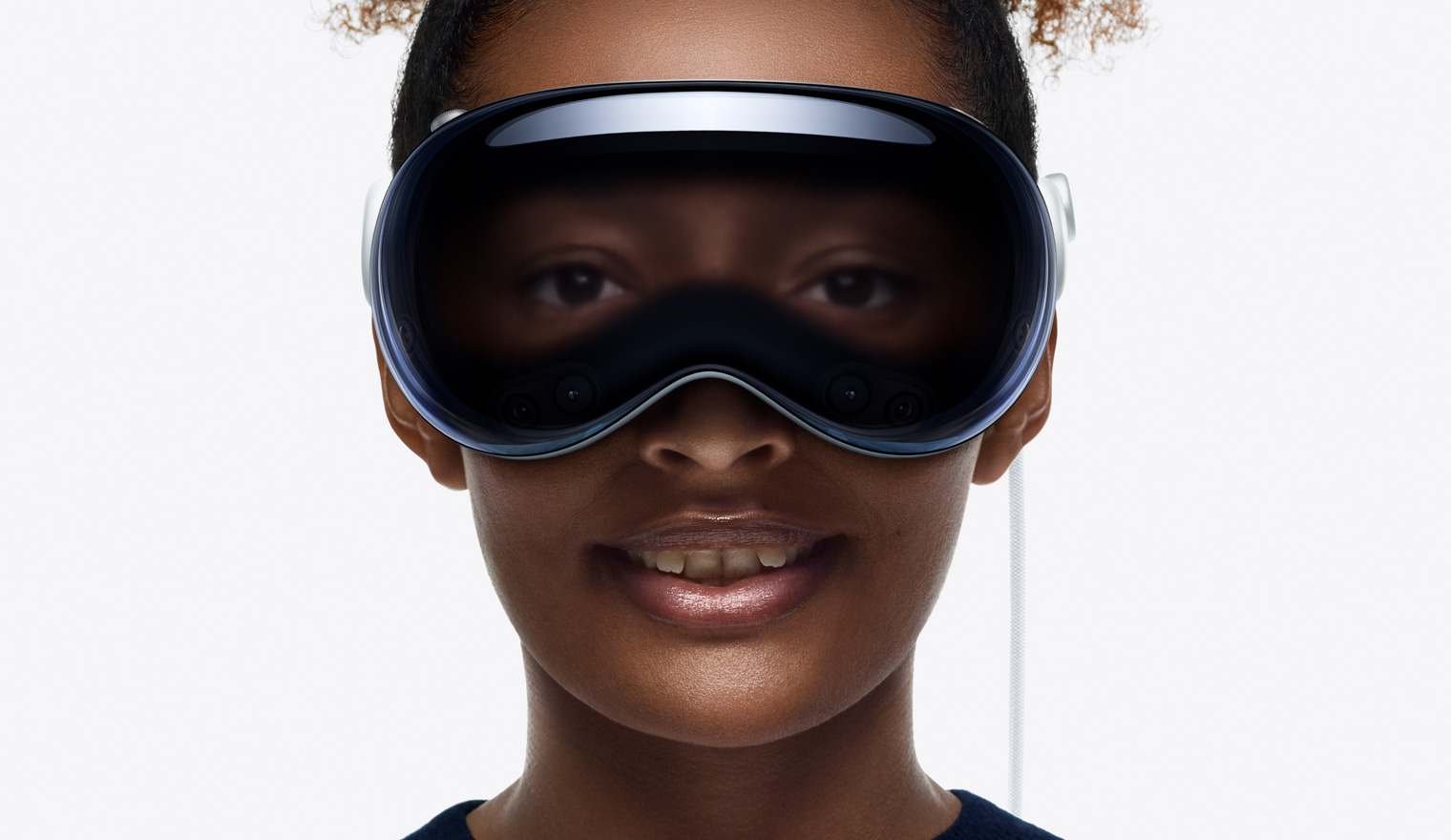
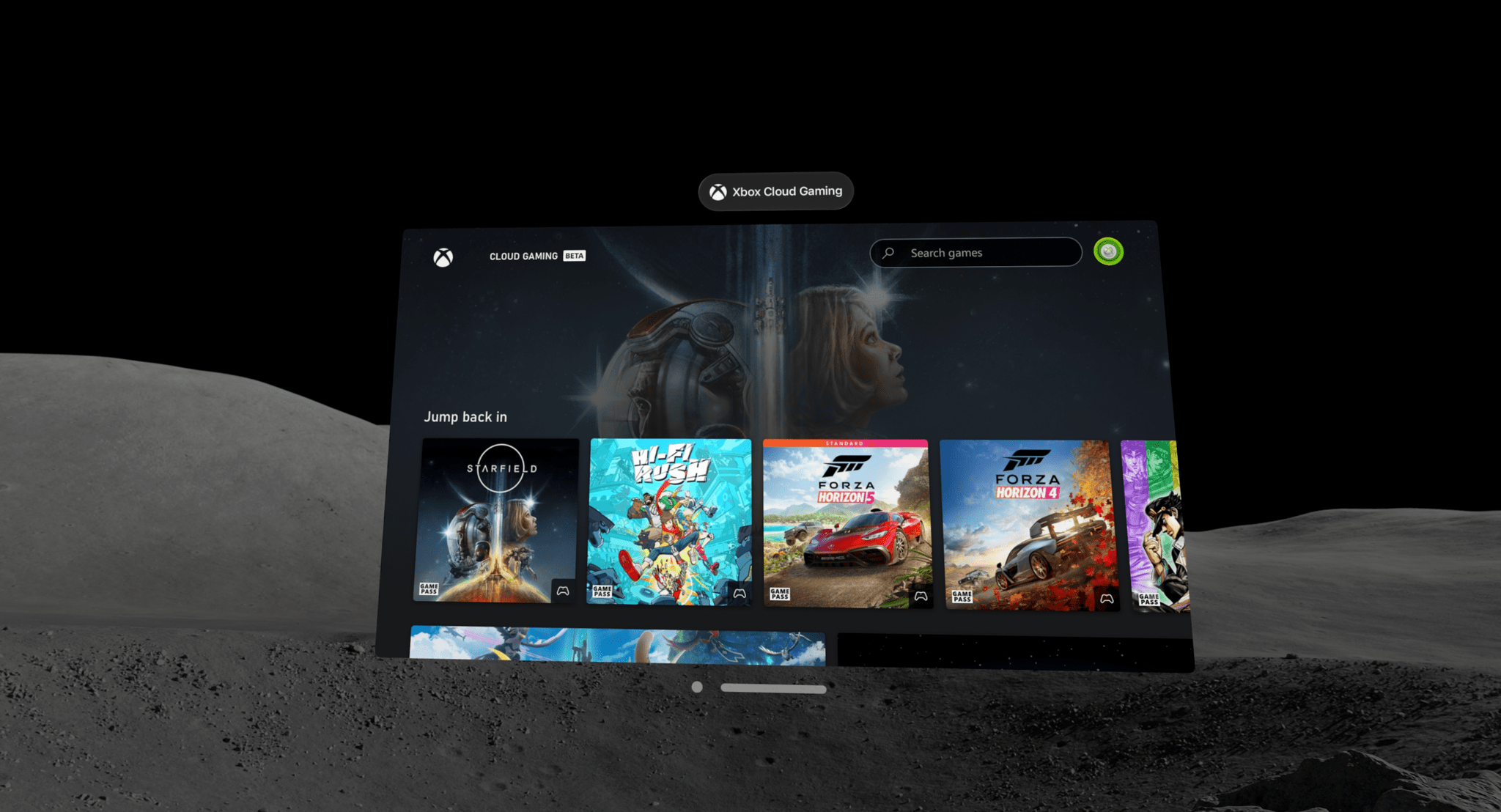
Apple Vision Pro Apple FR Portrait Front Base Large . A Guide To Gaming On The Apple Vision Pro MacStories 02 19 2024 15 00 40 . Apple Vision Pro Can Play PlayStation 5 Games Despite No Official New Apple Gadget Lets You Play Big PlayStation Hits Like Never Before The Vision Pro Adventure . Can You Play Games On Apple Vision Pro Gamepur Play Games On Apple Vision Pro Feaured Image . Apple Vision Pro Apple CA Multiview Large


What Will Gaming Be Like On The Apple Vision Pro 8016d783 . 7 Best Features In Apple Vision Pro 4c252 1920 . Apple Vision Pro All The AR VR Games Coming To Apple Vision Pro At New Project 18 . Latest Apple Vision Pro Game List With VR Lenses VOY Glasses 15 . 10 Best Apple Vision Pro Games For All Skill Levels Apple Vision Pro Games

Apple Vision Pro VR Games Gamelevate Com Vision Pro 1 . Can Apple Vision Pro Play VR Games Can Apple Vision Pro Play VR Games . Play PC Games On Apple Vision Pro Soon Thanks To Native Steam Link App Apple Vision Pro 1 1 . Apple Vision Pro Game App Development Getting Acquainted With New Tech IMG 5 4 . Excited For An Apple Vision Pro 2 There May Be Bad News Stuff Apple Arcade Lead 2026

Playing Steam Games On Apple Vision Pro VR Beginners Guide Apple Vision Pro Vr Headset On Top Of A Table 1024x577 . Over 100 Apple Arcade Games Will Be Playable On Vision Pro At Launch Apple Vision Pro Apple Arcade . Apple VisionOS 26 Lets You Play Spatial Games With PSVR2 Hand Apple Vision Pro . Apple Vision Pro Users Now Can Play 2 000 Games On GeForce NOW . Every Confirmed AR VR Apple Vision Pro Game So Far Apple Vision Pro Smiling Looking Down 2


Apple Vision Pro VR Games Gamelevate Com Apple Vision Pro 10 1 . Apple Vision Pro Review IGN Img 8066 . Iphone Features For Vision Impaired At Maria Baum Blog Apple Vision Pro Interface Experience1 2048x1096 . Apple Vision Pro Apple CA Gaming Startframe Large . Apple Vision Pro Apple Portrait Right Base Large