Unlock unprecedented views and elevate your Roblox experience by mastering how to freecam. For US gamers balancing jobs, families, and life, maximizing every gaming moment is key. Freecam offers a powerful way to explore Roblox worlds from unique angles, scout maps, or capture stunning cinematic content without the limitations of a fixed camera. This guide cuts through the noise, providing clear, actionable steps and essential tips. Whether you are a content creator looking for that perfect shot, a curious explorer wanting to see every detail, or just a gamer who enjoys unwinding with new perspectives, understanding freecam mechanics can transform your gameplay. We delve into official methods, community insights, and crucial safety advice, ensuring you can enhance your Roblox adventures responsibly. Discover how this simple trick can open up entirely new dimensions in your favorite Roblox experiences, making your precious gaming time even more rewarding and fun. Stay ahead of the curve, optimize your play, and enjoy Roblox like never before.
What is Freecam in Roblox?
Freecam in Roblox allows players to detach their camera from their character, enabling them to fly around the game world independently and observe from any angle. This feature is incredibly useful for exploration, creating captivating screenshots or videos, scouting game maps, or simply enjoying the game's aesthetics without character limitations. It's often a highly sought-after ability for content creators and curious players alike, offering a fresh perspective on their favorite Roblox experiences.
How do I activate Freecam in a typical Roblox game?
Activating a basic freecam often involves specific keybinds or developer console commands. In many games, pressing Shift+P will toggle a default spectator-style freecam if the game's developer has enabled it. For more advanced or game-specific freecam options, you might need to check the game's settings, a dedicated in-game menu, or look for community-shared scripts that bypass standard camera controls. Always verify the method within the specific game you are playing to ensure compatibility and avoid issues.
Are there specific Roblox games where Freecam is officially supported?
Yes, many Roblox games, particularly those designed for showcase, exploration, or role-playing, officially support freecam or spectator modes. Developers often build these features directly into their games, sometimes accessible through a settings menu, a special in-game item, or specific commands like "/spectate." These official implementations are safe to use and provide a stable way to explore freely, ensuring you won't encounter any issues with Roblox's terms of service. Always check the game's description or in-game help for details.
Can using Freecam on Roblox lead to a ban?
Using unauthorized freecam methods or third-party exploits to gain an unfair advantage in competitive games can definitely lead to consequences, including temporary or permanent bans. However, if a game's developer has intentionally included a freecam or spectator mode (like the common Shift+P toggle), or if you're using it in a private server for content creation, it's generally considered safe. Always respect game rules and Roblox's Terms of Service to avoid account penalties, especially when in public servers or competitive environments.
What are the benefits of using Freecam for content creation on Roblox?
Freecam is a game-changer for Roblox content creators. It allows you to capture stunning cinematic shots, unique angles for thumbnails, and detailed walkthroughs or showcases of builds and environments. You can highlight intricate details, follow action dynamically, or get panoramic views that would be impossible with a fixed character camera. This freedom enhances video production quality and helps creators stand out in a competitive space, offering viewers perspectives they wouldn't normally see.
Are there any downsides or performance issues associated with Freecam?
While freecam offers incredible freedom, there can be downsides. In some games, especially those not optimized for it, using freecam might cause minor frame rate drops or graphical glitches as the game renders new areas rapidly. If you're using third-party tools, there's always a risk of introducing instability or compatibility issues with future Roblox updates. Additionally, constantly switching between freecam and character control can sometimes be disorienting, requiring a bit of practice to master. Always ensure your system meets Roblox's recommended specifications for the best experience.
How can I ensure safe and legitimate Freecam usage in Roblox?
To ensure safe and legitimate freecam usage, always prioritize methods provided or sanctioned by the game developer. Look for in-game settings, specific commands, or acknowledged community tools within non-competitive, private, or single-player environments. Avoid downloading unverified third-party scripts or executables, as these can contain malware or lead to account compromise. If in doubt, stick to the basic Shift+P toggle which is often a developer-enabled feature. When creating content, clearly communicate if you're using a freecam to give context to your viewers.
Are you tired of being stuck to your character's perspective in Roblox? Do you ever wish you could fly around the map freely, taking in the sights, scouting out hidden areas, or capturing that perfect cinematic screenshot for your next YouTube video? You're not alone. Many gamers, especially those of us balancing busy lives with our passion for play, crave ways to maximize our limited gaming time and enhance our experiences. The average US gamer, around 36 years old, spends over 10 hours a week in virtual worlds, often seeking relaxation, skill-building, and social connection. Freecam on Roblox offers a fantastic solution to elevate these moments, providing a fresh perspective that can turn a familiar game into a brand new adventure.
This comprehensive guide is designed for you. We understand that finding reliable, up-to-date information without the hype can be a challenge. That's why we've put together everything you need to know about how to freecam on Roblox, from official methods to community tricks, focusing on safety, performance, and real-world application. Say goodbye to frustrating camera limitations and hello to total creative freedom. By the end of this article, you'll be soaring through your favorite Roblox games, seeing them in ways you never thought possible. Let's dive in and unlock the full potential of your Roblox exploration!
What is Freecam in Roblox and Why Would I Use It?
Freecam in Roblox allows you to detach your camera from your player character, enabling you to move and view the game world independently. Think of it like a drone camera floating freely through the virtual environment. This powerful tool is a game-changer for several reasons. Firstly, it offers unparalleled exploration, letting you discover hidden details, secret passages, or simply appreciate the architecture of a map from a bird's-eye view. Secondly, for content creators, freecam is essential. It allows for cinematic shots, dynamic action sequences, and unique perspectives for screenshots and video thumbnails, significantly boosting the quality of your Roblox content.
Many gamers, particularly those in the 60% demographic who enjoy social play, also use freecam to spectate friends, watch events unfold from a distance, or even strategize in non-competitive games by getting an overview of the map. It's about enhancing your experience, offering a sense of control and creative freedom that standard gameplay often lacks. With mobile gaming dominating US trends and cross-play becoming more common, the desire to view games from unique angles on any platform continues to grow.
Is Freecam Allowed on Roblox? Understanding the Rules.
This is a crucial question for any gamer who wants to avoid issues. Generally, if a game's developer has intentionally implemented a freecam or spectator mode, it is absolutely allowed and safe to use. Many showcase games, simulators, or role-playing experiences offer these features as part of their design. However, using unauthorized third-party tools, scripts, or exploits to force a freecam in games where it's not intended, especially in competitive or anti-cheat protected environments, can lead to serious consequences. Roblox's Terms of Service strictly prohibit exploiting glitches or using third-party software to gain an unfair advantage or interfere with other players' experiences. Always err on the side of caution; if it feels like an exploit, it probably is.
How Can I Activate Freecam in Roblox Games? (General Methods)
The most common and often developer-intended method to activate a basic freecam or spectator mode in Roblox is by pressing the 'Shift + P' keys on your keyboard. This keybind typically toggles a default camera mode that detaches from your character, allowing you to fly around with WASD for movement and mouse for direction. However, this only works if the game developer has enabled it for that specific experience. If 'Shift + P' doesn't work, some games might have specific in-game commands (e.g., '/spectate', '/freecam') or menu options. Always check the game's description, in-game help section, or settings menu for clues. For console players, official freecam options are rarer, but some games might integrate them into their controller layouts.
Are There Specific Freecam Tools or Scripts for Roblox?
While the 'Shift + P' method is the safest and most official, the Roblox community has explored various ways to achieve freecam functionality, sometimes through third-party scripts or developer console commands. It's important to approach these with extreme caution. Unofficial scripts often violate Roblox's Terms of Service and can put your account at risk of a ban. Furthermore, downloading executable files or running unknown scripts can expose your computer to malware or account theft. We strongly advise against using such methods. If you see discussions about 'exploits' or 'hacks' for freecam, remember the potential dangers. Stick to officially sanctioned in-game features or developer-provided methods to keep your account safe and secure.
How Do Developers Implement Spectator or Freecam Modes?
Roblox developers have powerful tools at their disposal to create custom camera systems, including freecam and spectator modes. They can use Roblox's built-in camera functions and scripting language (Lua) to program custom keybinds, GUI elements, and movement controls for an independent camera. For example, a developer might create an admin command that grants freecam access, or a game pass that unlocks a 'spectator tool.' This approach ensures compatibility, stability, and adherence to Roblox's platform rules. When developers integrate freecam, they typically do so with performance in mind, minimizing lag and ensuring a smooth experience for players. This month, many popular social hub games and build showcases are emphasizing user-friendly camera controls to enhance exploration.
Can I Use Freecam on Roblox Mobile or Console?
Using freecam on Roblox Mobile or Console is generally more challenging and less common than on PC. The 'Shift + P' keybind is a PC-specific feature. For mobile and console, freecam functionality relies entirely on whether the game developer has implemented a custom touch or controller-based freecam system. Some games might have a dedicated button on their mobile UI or a specific controller combination to toggle a spectator mode. However, these are exceptions rather than the norm. If you're primarily a mobile or console gamer, your best bet is to look for games explicitly advertised with advanced camera controls or spectator modes in their descriptions or tutorials, or games popular for content creation that might support specific mobile-friendly camera features.
What are the Risks of Using Unauthorized Freecam Methods?
The risks of using unauthorized freecam methods, often involving third-party software or exploits, are significant and should not be ignored. The primary risk is an account ban from Roblox. The platform has sophisticated anti-cheat systems designed to detect such activities, and violations of their Terms of Service can lead to temporary suspensions or permanent account termination, causing you to lose all your progress, Robux, and items. Beyond bans, these methods can expose you to security threats like malware, viruses, or phishing attempts if you download unverified software. Your personal information and even your gaming hardware can be compromised. For the average gamer who values their account and seeks stress relief, these risks far outweigh any perceived benefits of unofficial freecam tools.
How Can Freecam Improve My Roblox Experience for Content Creation?
For the growing number of gamers who also create content, freecam is an indispensable tool. It allows you to produce professional-looking videos and images that stand out. Imagine capturing a perfectly framed shot of an intricate build, smoothly panning across a bustling city, or following intense action from multiple angles—all impossible with a standard character camera. Freecam gives you the creative control to tell your story visually, create engaging tutorials, or produce stunning showcases. Many streamers and YouTubers rely on freecam to deliver unique perspectives to their audience, especially in creative or role-playing games, boosting engagement and channel growth. In a competitive creator landscape, freecam is a must-have for quality output.
Tips for Troubleshooting Freecam Issues on Roblox.
If you're having trouble activating or using freecam, here are some troubleshooting tips: First, ensure you're in a game that supports it. Not all experiences enable the 'Shift + P' function. Second, check your keyboard layout and ensure 'Shift' and 'P' are functioning correctly. Third, sometimes a simple restart of Roblox or your computer can resolve minor glitches. Fourth, if you're using a game-specific command, double-check the spelling and syntax. Fifth, update your Roblox client to the latest version, as outdated clients can sometimes have compatibility issues. Lastly, if the game has a public bug report system or community forum, check if other players are reporting similar issues; it might be a game-specific bug rather than a problem on your end.
Are There Any Games That Naturally Support Freecam or Spectator Modes?
Absolutely! Many popular Roblox games are designed with integrated freecam or spectator functionalities. Games categorized as 'Showcases,' 'Builds,' or 'Exploration' often include these. Think of experiences like 'Jailbreak' which has a spectator mode for police, 'Bloxburg' for building and decorating, or various high-quality 'Showcase' games intended for visual appreciation. Role-playing games frequently feature spectator capabilities for event organizers. To find them, look for games with high ratings in these genres, and check their descriptions for mentions of 'camera tools,' 'spectator mode,' or 'cinematic camera.' These are the safest and most enjoyable ways to experience freecam without concerns about breaking rules.
How Can I Balance Freecam Exploration with Regular Gameplay and Life?
Balancing freecam exploration with your regular gaming and life commitments is all about intentional play. For busy adults, gaming is often a means of relaxation and stress relief. Treat freecam sessions as a dedicated creative or exploratory activity. Instead of trying to do everything at once, set aside specific times:
Enhanced exploration, cinematic content creation, tactical viewing, easy activation methods, game specific Freecam, community scripts, safe usage guidelines, troubleshooting tips.
35


How To Use FreeCam Mode In Roblox Full Tutorial YouTube . New How To Use Freecam On Roblox Quick Guide YouTube . How To Get FREE Camera Mode In Roblox PC Mobile YouTube . How To Get Free Camera Mode On Roblox Use FreeCam In Roblox YouTube . HOW TO USE FREECAM IN SOUTHWEST FLORIDA ROBLOX YouTube


How To Use Free Camera Mode In Roblox Step By Step YouTube . Free Cam In Roblox Explore Beyond Limits . How To Freecam Spectate In Your Roblox Game Cinematic Camera NEW . How To Get Free Camera Mode On Roblox Use FreeCam In Roblox YouTube . How To Get FREE Camera Mode In Roblox 2026 Tutorial YouTube


How To Use FreeCam In Dress To Impress Dti Roblox YouTube . HOW TO GET FREECAM ON ROBLOX MOBILE REAL EASY YouTube . Unlock The World Free Cam On Roblox . Free Cam In Roblox Explore Beyond Limits . TUTORIAL How To Enable Cinematic Camera Free Cam In Roblox YouTube


Roblox Tip Trick Greenville Wisc Freecam And How To Use It YouTube . Free Cam In Roblox Explore Beyond Limits . How To Use Freecam In Roblox YouTube . How To Get Free Camera Mode On Roblox Use FreeCam In Roblox YouTube . How To Get FREECAM In Roblox Rivals YouTube Maxres2


How To Get On FREE CAMERA MODE On Roblox Roblox Tutorial YouTube . How To Get On Free Camera Mode On Roblox YouTube . How To Freecam Allow Players To Freecam In Your Roblox Game Roblox . How To Get FREECAM In Roblox Rivals YouTube Oar2 . Roblox How To Get FREE CAMERA MODE 2022 Roblox FreeCam YouTube


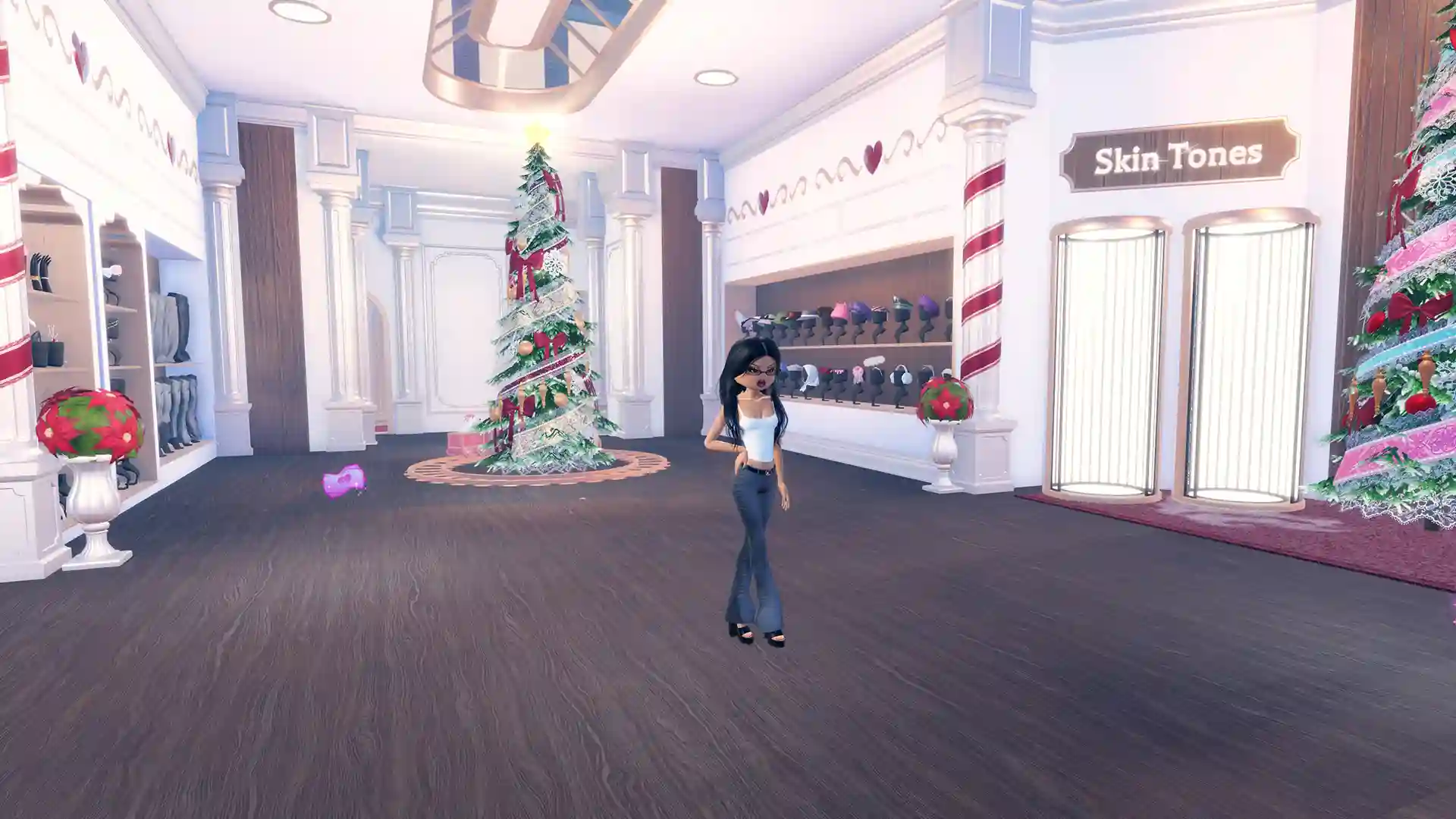

How To Use Freecam On Roblox ROBLOX YouTube . How To Use Freecam Or CTRL Shift P Community Tutorials . How To Enable FreeCam On Roblox Freecam In Roblox Dress To. How To Enable FreeCam On Roblox The Mimic Codes.webp. Definitive Guide To Roblox 2026 TM 07169 Definitive Guide To Roblox 2026


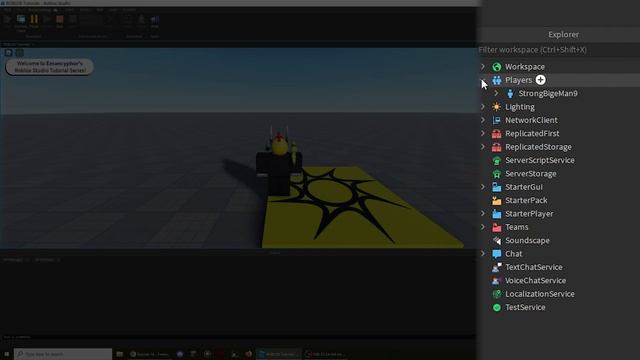


Unlock The View Roblox Free Cam Guide Hqdefault . How To Freecam In Roblox A Simple Guide Playbite How To Get Free Roblox Clothes Without Robux Playbite . How To Freecam Allow Players To Freecam In Your Roblox Game Roblox . How To Get On FREE CAMERA MODE On Roblox Full Guide YouTube . New Freecam Mode In Roblox Brookhaven RP YouTube